
A website maintenance handover is the process of moving responsibility for an existing website from one developer, agency, employee, or support provider to another. It is not simply a matter of sharing a WordPress login. A safe handover establishes who owns the website, where its critical services are managed, how it is backed up, and what must be monitored once the new support arrangement begins.
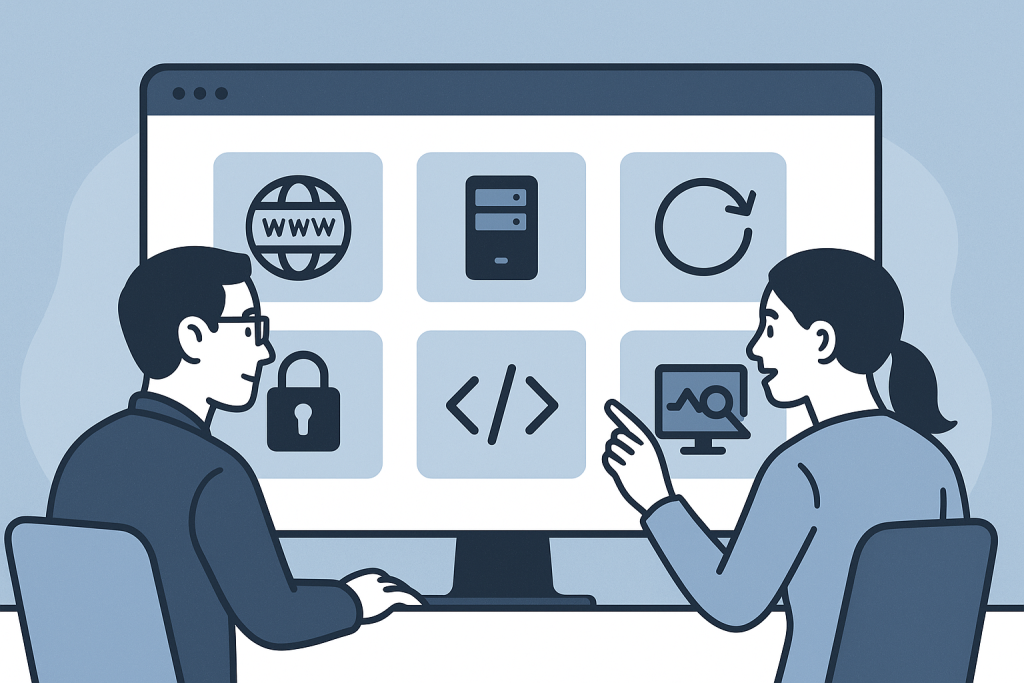
This matters when a former developer becomes unavailable, an agency contract ends, an internal team changes, or a business needs more dependable technical cover. Done well, the transition reduces the risk of a surprise outage, lost access, failed renewals, or rushed changes on a live site. If you need continuing technical ownership after the handover, Website Maintenance Support provides the broader framework for ongoing updates, reviews, small fixes, and stability checks.
What a website maintenance handover should achieve
The goal is continuity, not an immediate redesign or a wholesale rebuild. At the end of the process, the incoming support contact should be able to understand the current setup, access it through appropriate accounts, restore it if necessary, and identify risks that need attention.
A practical handover should answer these questions:
- Who owns the domain name, hosting account, source code, and paid services?
- Which people have access, and are those accounts individual rather than shared?
- Where do backups run, how long are they retained, and has restoration been tested?
- What platform, theme, plugins, integrations, and custom code does the site rely on?
- Are there current errors, known limitations, pending updates, or unfinished changes?
- Which business functions are most important to protect, such as sales, enquiries, bookings, membership access, or publishing?
Not every answer needs to be perfect on day one. Older websites often have incomplete documentation. The important point is to identify unknowns clearly and reduce them in a controlled order rather than assuming the site is straightforward.
Start with ownership before technical access
Access is useful only if the business controls the accounts that matter. A common handover problem is discovering that the departing supplier registered the domain, hosting, email service, payment gateway, or premium plugin licence under their own personal account. That can make a future renewal, migration, recovery, or security response unnecessarily difficult.
Confirm the legal and practical owner of each key service. The organisation should generally control the primary email address, recovery email address, payment method, and two-factor authentication for accounts tied to its website. A support provider can be granted the access needed to work, but should not become the only route back into a business-critical account.
Priority services commonly include:
- Domain registrar and DNS provider
- Hosting control panel, server, and database access
- WordPress or other application administrator accounts
- Transactional email provider and mailbox accounts
- Payment gateways, shipping tools, booking systems, and CRM integrations
- Analytics, tag management, search tools, and cookie-consent platforms
- Code repositories, deployment services, and external backup storage
- Premium extension licences and renewal contacts
If an account cannot be transferred immediately, document its current owner, renewal date, recovery route, and the steps required to move it. That record prevents a forgotten dependency from becoming urgent later.
Take a baseline before making changes
A handover is a poor time to begin updating every plugin or changing hosting settings. First, establish a reliable baseline of how the live website behaves. This gives the incoming team a reference point and avoids incorrectly blaming them for an existing issue.
A baseline review usually includes the public site, key conversion paths, the admin area, error reporting, update status, backups, and basic performance indicators. For an online store, this should include product pages, cart behaviour, checkout, payment confirmation, order emails, and stock-related processes where relevant. For a lead-generation site, test the contact form, confirmation emails, and the destination for submitted leads.
Capture the result in plain language. For example: “The contact form submits and emails the sales inbox,” “one plugin update is pending,” or “the staging site is unavailable.” Clear notes are more useful than a vague statement that the website has been “checked.”
Document the technical setup at the right level
Documentation does not have to be an enormous technical manual. It should be enough for someone responsible for support to work safely and for the business to understand what it depends on.
Useful handover documentation often covers:
- The website URL, platform, hosting environment, and PHP version where applicable
- The active theme or application structure and any child theme or custom code location
- Important plugins, modules, extensions, and third-party integrations
- Scheduled jobs, imports, feeds, queues, cron tasks, or webhooks
- Backup location, timing, retention, and restoration procedure
- Deployment method and whether changes are made directly on production
- Known issues, workarounds, planned work, and sensitive business periods
A list of active WordPress plugins alone is not enough. The handover should identify which ones are essential to business operations and which customisations may be affected by updates. For example, a checkout field added through custom code, a bespoke CRM webhook, or a template override can change the risk of an otherwise routine update.
Handle credentials securely during the transition
Credentials should not be sent in ordinary email threads or stored in unprotected documents. Use a password manager or another approved secure sharing method, and give each person their own account wherever the service supports it. Individual accounts make it easier to remove access later and establish a clear audit trail.
As part of the handover, review old administrator accounts, former staff accounts, generic logins, API keys, and recovery email addresses. Remove access only after confirming that the replacement route works. Deleting the former developer’s only working admin account before testing the new one can create the very lockout the handover is meant to prevent.
For a more detailed list of the systems and permissions a support provider may need, use this website maintenance access checklist. It can help separate essential access from information that is useful but not required at the start.
Check backups and recovery, not just whether backups exist
“There are backups” is not a complete answer. A handover should establish where backups are stored, whether they include both files and databases, how recent they are, and who can retrieve them. Ideally, recovery has been tested in a safe environment. A backup that cannot be located, downloaded, or restored is not dependable protection during an incident.
Also check whether backups are independent of the main hosting account. Host-level backups can be useful, but an additional off-site copy may reduce risk if the account itself becomes inaccessible. The suitable approach depends on the website’s size, change rate, budget, and importance, so there is no single retention period that fits every site.
Agree on boundaries and the first maintenance priorities
Once control, access, and baseline information are in place, agree on what ongoing support includes and how requests will be handled. Maintenance is clearer when routine work, planned improvements, and urgent incidents are not all treated as the same type of task.
Typical early priorities may include applying carefully reviewed updates, resolving unsupported software, correcting backup gaps, replacing insecure shared accounts, documenting custom functionality, or setting up monitoring for vital customer journeys. The order should reflect risk and business impact, not simply what is easiest to change.
It is also worth agreeing on communication expectations: the main contact, approval process for significant changes, emergency contacts, access rules, and how completed work will be recorded. These details make ongoing support calmer and more predictable.
Common website maintenance handover mistakes
Most handover failures come from gaps in ownership or assumptions about the existing setup. Avoid these common mistakes:
- Changing everything immediately: update and configuration changes can hide pre-existing problems and create avoidable disruption.
- Relying on one shared login: this weakens security and makes future offboarding difficult.
- Ignoring third-party services: payment, email, DNS, analytics, and licence accounts can be as important as the website login.
- Assuming a host backup is sufficient: verify scope, retention, access, and recovery.
- Leaving known issues undocumented: an unresolved problem should be recorded with its impact and current status.
- Making the new provider the sole owner: the business should retain control over critical accounts and recovery methods.
When a handover needs urgent technical attention
A normal transition can become urgent if the website is already unstable, a domain renewal is imminent, backups are missing, a key account is controlled by an unreachable former supplier, or core revenue functions are failing. In those circumstances, protect the service first: confirm access, preserve available evidence, establish a backup, and avoid untested production changes.
A controlled website maintenance handover gives a business more than a new technical contact. It creates visibility over the services that keep the site running, reduces dependency on a single person, and makes future maintenance decisions safer. The strongest outcome is simple: the website remains under the business’s control, and the incoming support team has the information needed to maintain it responsibly.
Frequently asked questions
How long does a website maintenance handover take?
A straightforward site with clear ownership and documentation may be reviewed quickly. A larger store, custom application, or site with unclear third-party accounts can take longer. The duration depends more on access, complexity, and the number of unknown dependencies than on the number of pages.
Do I need to give a maintenance provider every password?
No. Provide only the access needed for the agreed work, preferably through individual accounts and secure sharing. The business should keep ownership of its primary accounts, recovery details, and billing arrangements.
Should updates be installed during the handover?
Usually, establish a baseline first. Updates may be appropriate after the incoming team has reviewed compatibility, backups, and the site’s important functions. If there is an active security or stability risk, the work may need to be prioritised differently.
What if the previous developer cannot provide documentation?
Document what can be observed from the live site, hosting environment, accounts, logs, and code. Unknown areas should be recorded as risks and investigated gradually rather than guessed at during live changes.