
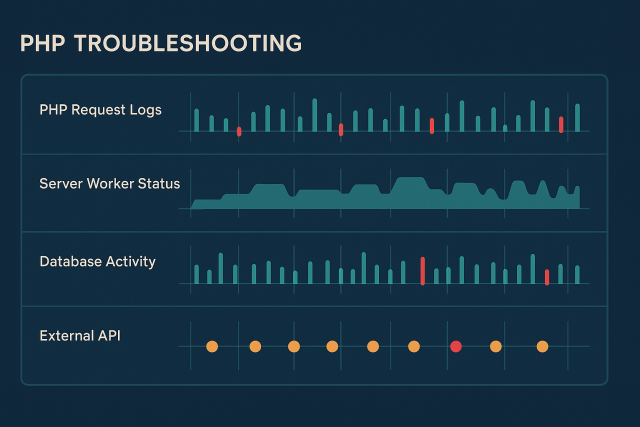
PHP Intermittent Errors: How to Trace Failures That Come and Go
PHP intermittent errors are rarely truly random. Learn how to trace sporadic failures by comparing requests, workers, dependencies, resource conditions, and timing.
PHP intermittent errors are rarely truly random. Learn how to trace sporadic failures by comparing requests, workers, dependencies, resource conditions, and timing.
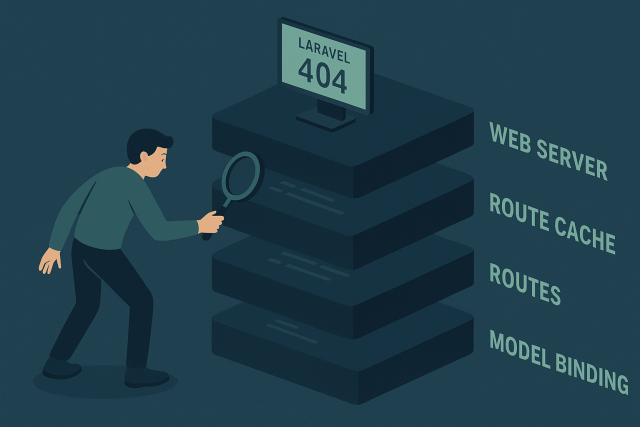
A Laravel 404 in production may come from route registration, stale route cache, web-server rewrites, request mismatches, or route model binding. Learn how to identify the failing layer…
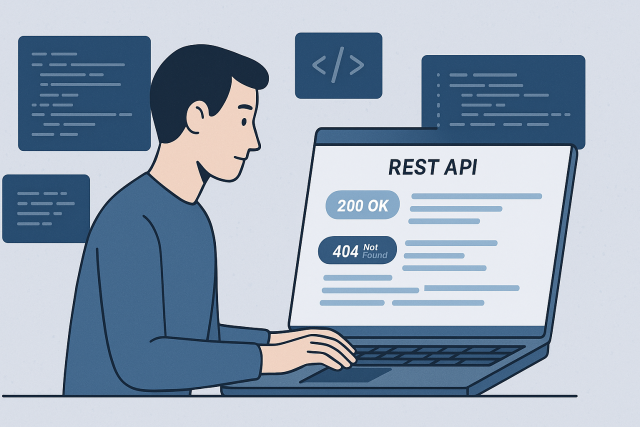
A WordPress REST API error can break the editor, Site Health, plugins, and integrations even when the public site still loads. Learn how to isolate the failed request…
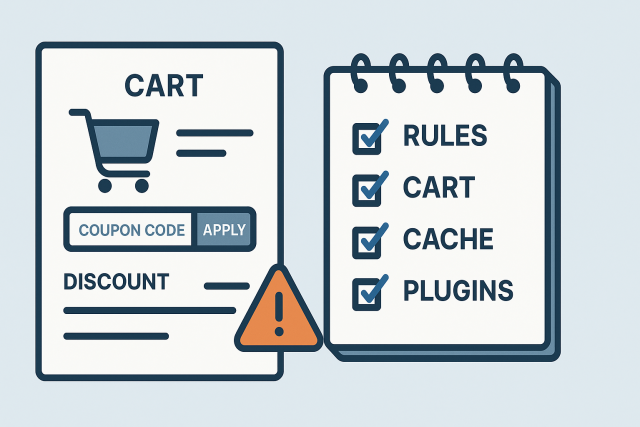
WooCommerce coupons not working can be caused by coupon restrictions, cart conditions, tax and discount calculations, caching, or extensions that alter totals. Learn how to isolate the cause…
Website testing after a bug fix should verify more than a page load. Learn how to test critical user flows, caches, integrations, admin actions, and post-fix monitoring before…
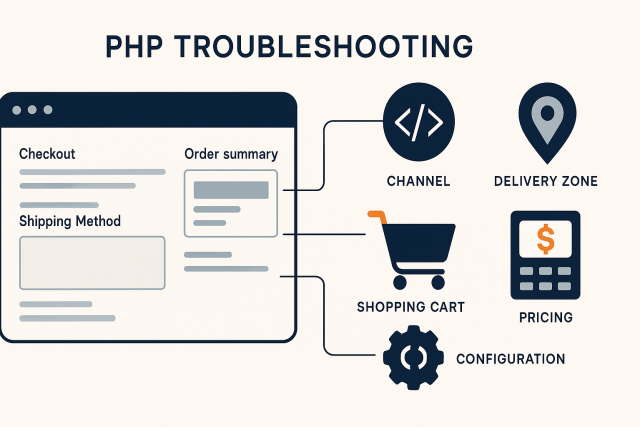
Sylius shipping methods can disappear at checkout because of channel, zone, calculator, cart, or custom-rule eligibility. Learn a safe way to trace the cause.

Recurring minor issues, overdue updates, uncertain backups, and unclear technical ownership can all indicate that a website needs ongoing maintenance support.
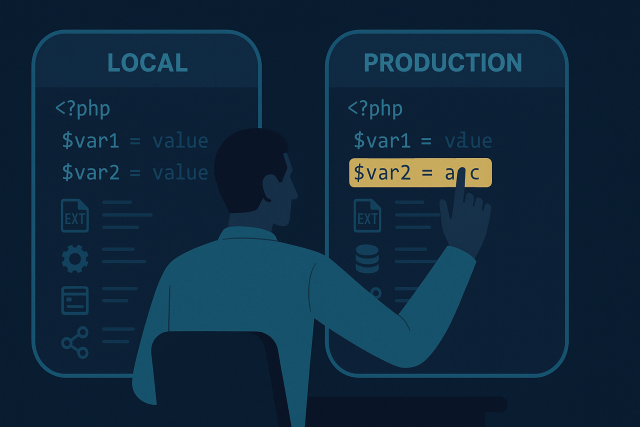
PHP works locally but not on production? Learn how to safely compare PHP runtimes, extensions, configuration, permissions, caches, and external services to find the real difference.
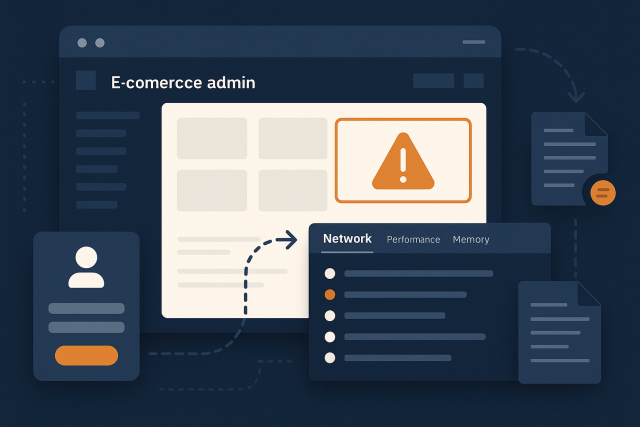
Magento Admin not working can block orders, product updates, and daily operations. Learn how to trace login loops, backend errors, broken grids, sessions, permissions, and deployment issues safely.
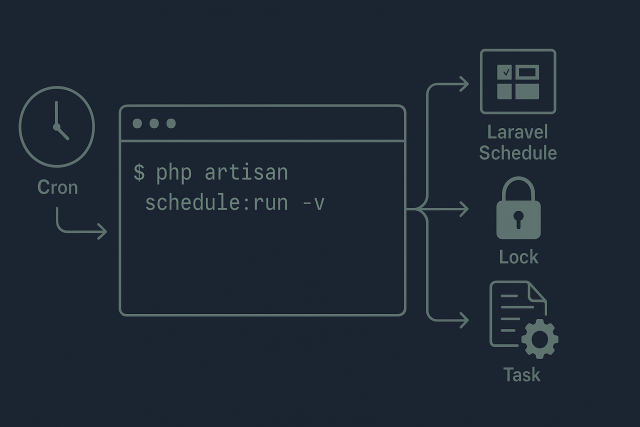
Laravel scheduled tasks can fail because of cron, deployment paths, configuration, locks, timezones, or the command itself. Follow this safe process to find the failing layer.
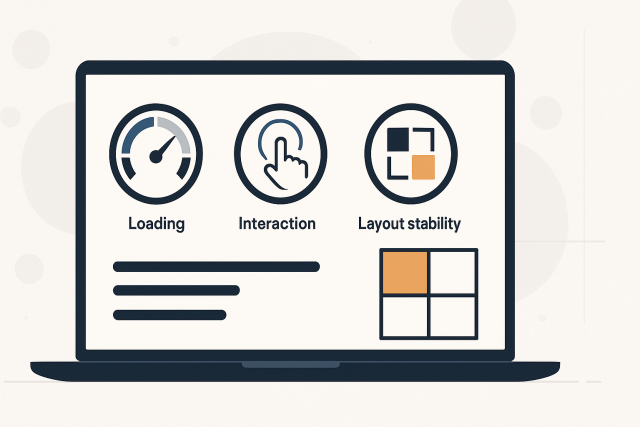
A practical framework for prioritizing Core Web Vitals fixes by real-user impact, page value, severity, and technical confidence.
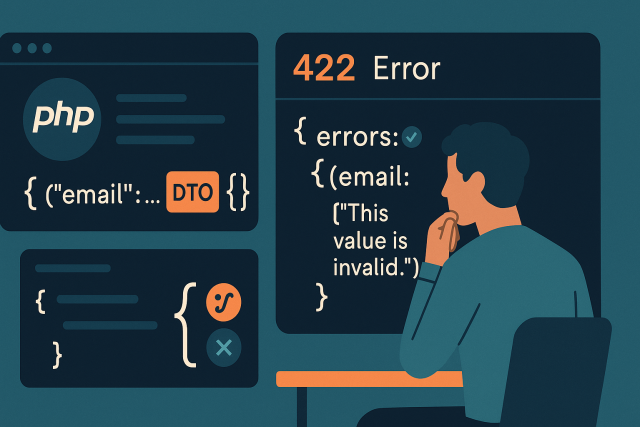
A practical guide to diagnosing API Platform validation errors, from DTOs and serialization groups to nested objects, validation groups, and safe response handling.
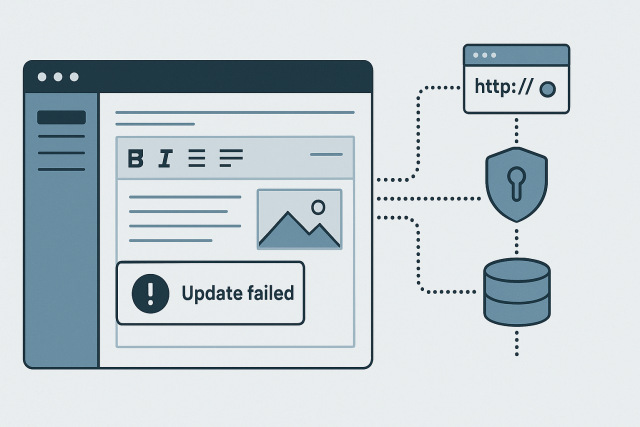
WordPress changes not saving can be a cache problem, a failed editor request, a security block, or a database issue. Learn how to identify the difference and troubleshoot…
A WooCommerce checkout that keeps loading can be caused by failed AJAX requests, JavaScript errors, session handling, cache rules, or custom checkout logic. Learn how to narrow down…
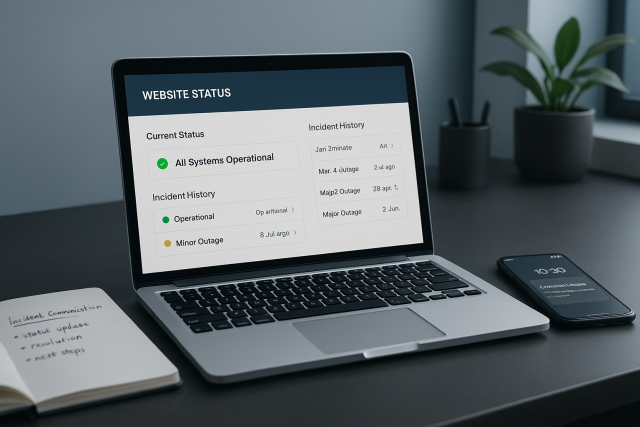
A practical guide to website outage communication: what to say, where to post updates, how often to communicate, and how to reassure customers without making unverified promises.