
When PHP works locally but not on production, it is tempting to assume that the uploaded code is wrong. Often, the code is only part of the story. A PHP application runs inside an environment: a particular PHP build, a web server, configuration files, installed extensions, filesystem rules, environment variables, caches, databases, queues, and external services. A small difference between local and production can turn a working request into a 500 response, blank page, failed upload, broken API call, or incorrect result.
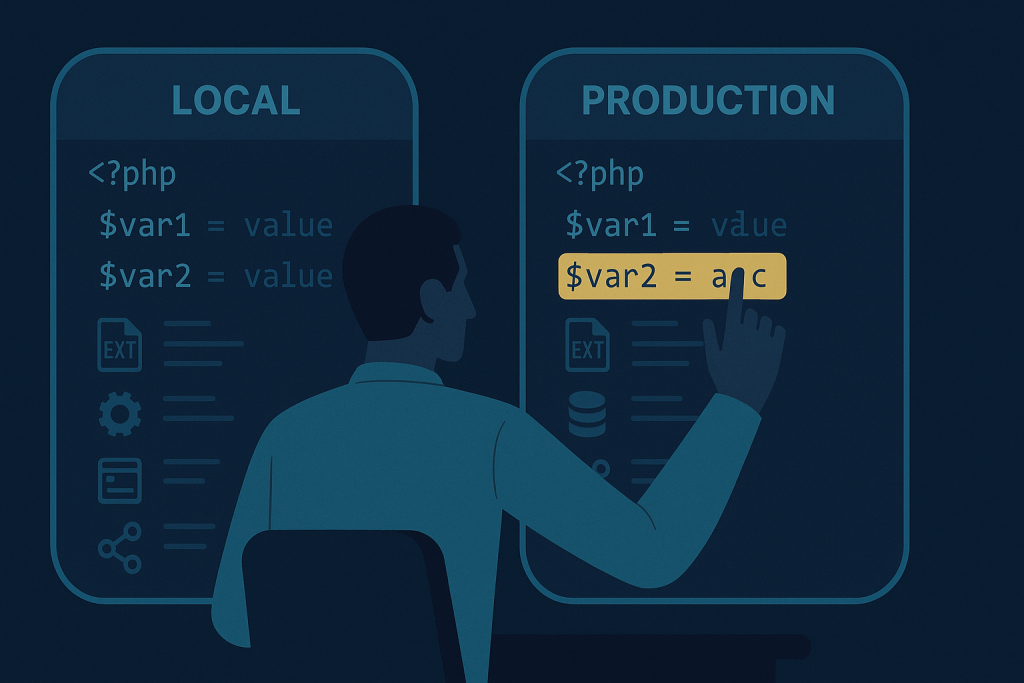
The safest response is not to change several things at once. Compare the two environments methodically, confirm the failing path, and make the smallest reversible correction. If a live application is affected and you need help tracing the issue through the stack, PHP bug fixing help is available for framework-based and custom applications.
Start by defining what “works locally” means
A useful comparison starts with a precise symptom. “It works on my computer” can mean many different things:
- The page loads locally but returns a 500 error in production.
- The form submits, but no email, webhook, or API request is sent.
- The application runs, but data is missing or formatted differently.
- A command works through the local CLI but fails through the production web request.
- Only one route, background task, upload, or scheduled process is broken.
Write down the affected URL or command, the inputs that reproduce the issue, the expected result, the actual result, and when it began. Also establish the impact: is this a non-critical admin feature, or does it stop signups, payments, orders, or customer access? This keeps the investigation focused and helps prevent a harmless workaround from becoming a production change with wider consequences.
Compare the actual PHP runtime, not just the version label
Production may use a different PHP version than local development, but version number is only the first check. The CLI PHP binary and the PHP runtime serving web requests can also differ on the same server. For example, a deployment script may report one version through SSH while PHP-FPM or Apache runs another version for the website.
Compare the runtime used by the failing request with the local runtime. Check:
- PHP major and minor version
- Server API, such as FPM, Apache module, or CGI
- Loaded configuration file and any additional scanned configuration files
- Enabled extensions and their versions
- Key PHP settings, including memory limits, upload limits, timeouts, and error reporting
Do not expose a public phpinfo() page on a live site. It can disclose useful server information to attackers. If you need to inspect runtime details, restrict access tightly, use an authenticated diagnostic route temporarily, or compare values through the server and application tooling available to you. Remove temporary diagnostics after use.
Check required PHP extensions and system libraries
Local development tools frequently install a broad set of PHP extensions by default. Production hosts may have a leaner PHP installation. Missing extensions can cause immediate errors, but they can also create narrower failures: image processing may stop working, a database driver may be unavailable, an internationalization function may behave differently, or a remote request library may take another code path.
Review the project’s dependency requirements first. Then compare loaded extensions between environments, paying particular attention to extensions used by the affected feature. Common examples include database drivers, cURL, mbstring, OpenSSL, XML, ZIP, GD or Imagick, and intl. The correct list depends on the application; installing every available extension is not a substitute for identifying the one the application actually requires.
Some behavior also depends on underlying system libraries rather than PHP alone. Image conversion, PDF generation, locale handling, and encryption-related functions can vary when the host operating system or installed library version differs. Treat these as environment dependencies and record the exact failing operation.
Compare configuration and environment variables
Configuration differences are a leading reason PHP works locally but not on production. Local files often contain development credentials, permissive URLs, local paths, test API keys, or debug settings. Production should use production values, but a missing or malformed variable can be just as damaging as an incorrect one.
Compare configuration by category rather than copying a local file to production:
- Database host, port, database name, username, and connection options
- Application URL, trusted domains, callback URLs, and cookie settings
- Mail, payment, storage, and third-party API credentials
- Filesystem paths, temporary directories, and storage disks
- Queue, cache, session, and search-service connection details
- Feature flags and environment mode
Never paste passwords, private keys, session tokens, or full production environment files into tickets, chat messages, or source control. Instead, confirm whether a value exists, whether its non-secret format is valid, and whether the intended service can be reached. Also watch for invisible formatting problems: a trailing space, wrong quote handling, or an unescaped special character can change a value without making it obviously blank.
Account for configuration caches
Many PHP applications cache configuration, routes, templates, or compiled containers for performance. This means a corrected environment variable may not be used until the relevant cache is rebuilt. The reverse can also happen: a stale cache can make production keep using a previous setting after a deployment.
Use the application’s documented cache-clearing or rebuild process, and do it deliberately. Avoid deleting broad directories blindly on a live server, especially where cached data, sessions, uploads, or generated assets may be stored together. Before changing caches, note the current release, confirm the command matches the application version, and verify the affected request afterwards.
Review files, permissions, and case sensitivity
A local macOS or Windows setup may be more forgiving about filename case than a Linux production server. A file referenced as InvoiceService.php can fail on production if the deployed file is actually named invoiceservice.php. Namespace and autoloading mismatches can surface in the same way.
Check that the deployed release contains the expected files and dependencies. If the project relies on Composer, confirm that the production deployment includes the intended dependency set and autoloader. Do not assume that a local vendor directory and the server’s installed dependencies are identical.
Then verify permissions and ownership for the directories the application needs to write to. Typical examples are cache, log, session, upload, and generated-file locations. A process may be able to read application code but lack permission to create a temporary file or write a log. Use the least permissive ownership and permissions that allow the relevant application process to function; making large portions of a site world-writable is not a safe fix.
Separate web-request failures from CLI and worker failures
A command succeeding over SSH does not prove that a browser request will succeed. The web server may run as a different user, load a different PHP configuration, have a different working directory, or lack environment variables present in an interactive shell. Background workers and scheduled tasks may have yet another context.
Test the failing feature in the context where it normally runs:
- For browser failures, inspect the web-server and PHP-FPM context.
- For scheduled work, inspect the cron environment and command path.
- For queue jobs, confirm the worker is running the intended release and has been restarted when required.
- For uploads or exports, verify temporary storage and the process user’s write access.
This distinction prevents a common dead end: repeatedly testing a successful CLI command while the production web process is the component that cannot connect, write, or load configuration.
Test external dependencies from production
Local development may have direct access to a database, SMTP server, API, object storage bucket, or internal network service that production cannot reach. Production can also face firewall restrictions, DNS differences, TLS certificate validation problems, IP allowlists, rate limits, or different credentials.
Test connectivity from the production environment using a safe, minimal request. Confirm the hostname resolves as expected, the connection is permitted, and the target accepts the production credentials. Do not disable TLS verification or permanently weaken security checks merely to make an integration appear to work. If certificates or trust chains are involved, correct the underlying certificate, CA bundle, hostname, or configuration issue.
Use a controlled comparison process
A practical sequence is:
- Reproduce the exact failing action in production and capture the time, request details, and visible result.
- Identify which layer fails: PHP runtime, application configuration, filesystem, database, cache, worker, or external service.
- Compare only relevant settings with local development, keeping secrets protected.
- Make one targeted change in a reversible way.
- Retest the original path and a nearby path that could be affected.
- Record the cause and the final configuration change so the next deployment does not reintroduce it.
When the site is down, checkout is failing, or customer-facing functionality is materially affected, prioritize containment and a safe rollback path. For time-sensitive production incidents, see emergency website bug fixing.
Frequently asked questions
Do you work without a specific framework?
Yes. Environment-related PHP failures can occur in custom applications and internal tools as well as framework-based projects. The important starting point is a reproducible symptom, deployment context, and access to the relevant runtime information.
Can you help if the stack includes WordPress or Laravel?
Yes. Both WordPress and Laravel can be affected by PHP version changes, missing extensions, configuration differences, file permissions, cached settings, and service connectivity problems. The troubleshooting approach should account for the application’s own configuration and cache behavior.
Need a PHP bug fixed?
Provide the affected URL or command, what changed recently, the exact error or observed behavior, and whether the issue happens only in production. That gives a troubleshooting process a clear starting point and reduces unnecessary changes on the live system.
Conclusion
When PHP works locally but not on production, the fastest reliable path is to treat it as an environment comparison problem. Verify the runtime, dependencies, configuration, caches, filesystem rules, process context, and external connections in a controlled order. A focused comparison usually reveals a concrete difference that can be fixed and documented, rather than leaving a fragile production workaround behind.