
API Platform validation errors can be confusing because a request may look correct at the HTTP level while failing somewhere between deserialization, validation metadata, and persistence. The opposite is also common: an incomplete or malformed payload is accepted even though the API contract says it should be rejected.
The fastest way to resolve the issue is to identify exactly which stage is behaving unexpectedly. Is API Platform failing to map input into an object? Is Symfony Validator running with the wrong group? Is a nested object not being validated? Or is a database constraint being mistaken for a validation rule?
If the behaviour is production-critical or the cause spans custom state processors, security, and persistence, see the Symfony Bug Fixing service for focused troubleshooting.
What an API Platform validation error usually means
In a typical API Platform write operation, several steps may occur before data is saved:
- The request body is decoded.
- Incoming fields are denormalized into an entity, DTO, or input model.
- Symfony validation constraints are evaluated.
- Custom processors or application logic run.
- The data is persisted or passed to another service.
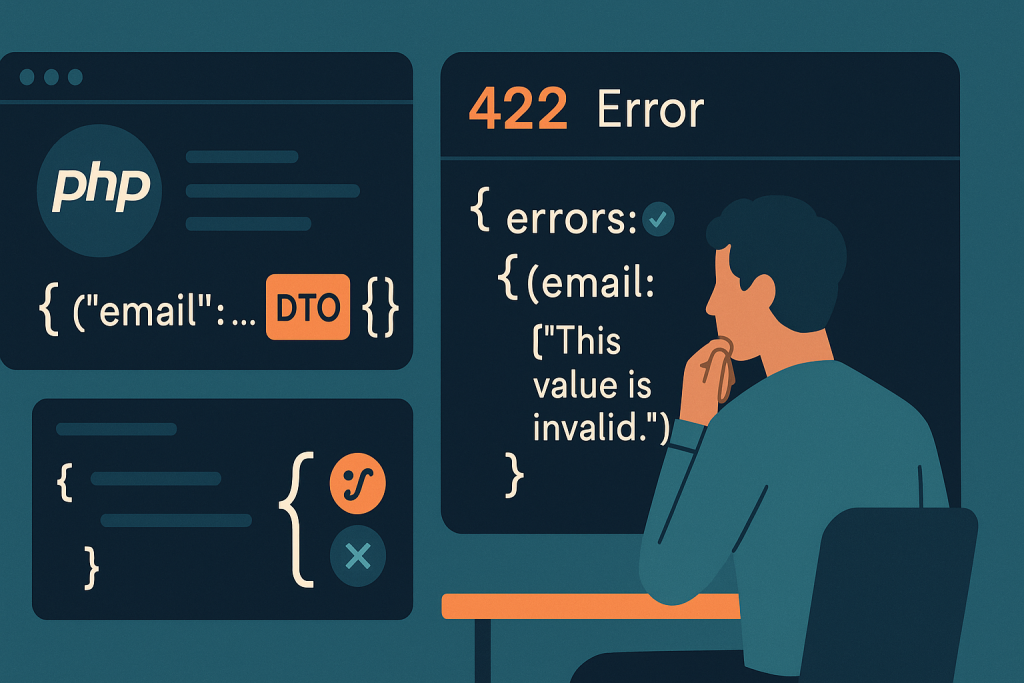
An error response is only useful if you know where it originated. A 400 response can indicate invalid request syntax or denormalization trouble. A 422 response commonly indicates that the request was understood but violated validation rules. A 500 response may mean a custom validator, processor, or exception mapping issue. Exact behaviour can vary with the API Platform and Symfony versions, configuration, and custom exception handling.
Do not assume that every rejected request is a Symfony Validator failure. First capture the status code, response body, request payload, endpoint, and deployment version. Those details make the investigation repeatable.
When invalid API requests are accepted
If an API accepts data that should be invalid, start by confirming that the relevant constraint is attached to the object API Platform actually validates. This matters especially when an application uses separate input DTOs rather than exposing Doctrine entities directly.
The constraint is on the wrong class
A common design has an entity for storage and a DTO for API input. If the operation accepts the DTO, constraints placed only on the entity may not validate the incoming DTO at the expected point. Conversely, an entity constraint may run later during persistence or processing, producing a result that differs from the public API contract.
Check the operation configuration and trace the input class used for the failing endpoint. Then inspect the constraints on that class and its nested properties. Keep the rule close to the model that owns the input contract whenever possible.
The active validation group does not include the rule
Symfony constraints can belong to validation groups. This is useful when create and update operations require different fields, but it can also quietly bypass a rule. For example, a constraint assigned to a create group will not run if the operation validates only the default group or an update group.
Review both sides of the configuration:
- the groups assigned to each relevant constraint;
- the validation context configured for the operation or resource;
- whether a dynamic group sequence or callback changes the selected groups;
- whether a custom processor validates a different object from the input object.
A practical test is to submit one deliberately invalid value for one rule at a time. If no violation appears, simplify the question: does the endpoint validate this class at all, and which groups are active?
The field is not writable in the operation
Serialization groups determine which fields can be accepted from a request. If a field is excluded from the write group, the submitted value may be ignored rather than validated. That can create the appearance that validation is broken when the real issue is that the property was never populated.
Compare the operation’s denormalization groups with the property metadata. Inspect the object immediately after denormalization in a safe local or staging environment. If the property remains unchanged or null despite being in the payload, investigate the serializer configuration before changing validation rules.
When valid requests produce API Platform validation errors
A request that appears valid can still fail because the application is validating a transformed value, a missing nested property, or a constraint whose assumptions no longer match the endpoint.
Check the exact violation path and message
API Platform normally returns a structured error response describing one or more violations. Read the property path carefully. A path such as address.postcode points to a different problem from items[0].quantity. The message explains the rule, but the path helps identify the object and the part of the payload involved.
Do not rely solely on a generic frontend message such as “Validation failed.” Reproduce the request with an API client, save the raw response, and compare it with the request that the browser actually sends. JavaScript form code, date formatting, empty strings, and omitted fields can all change what reaches the API.
Distinguish empty, null, missing, and transformed values
These inputs may look similar to a user but behave differently in validation:
- A field omitted from JSON may preserve an existing value during an update.
- A field sent as null may violate a not-null constraint.
- An empty string may fail a length, format, or choice constraint.
- A serializer or custom transformer may convert the supplied value before validation.
Test each case separately rather than treating them as one “blank value” scenario. This is especially important for PATCH-style operations, partial updates, and endpoints that accept a mixture of optional and required properties.
Review date, enum, and relation inputs closely
Dates, enums, and object relations often produce misleading validation symptoms. A date may fail before the intended constraint because it cannot be converted into the expected type. An enum value may be syntactically valid JSON but not one of the allowed application values. A relation may be submitted as an identifier or IRI in a format that the endpoint does not accept.
Use the API documentation generated for the exact operation as a starting point, but verify it against runtime behaviour and custom normalizers. Documentation can describe the intended schema while a custom DTO, processor, or serializer group changes the actual path.
Nested objects need explicit validation
Validation does not always automatically cascade into nested objects. If an input contains an address, line items, preferences, or another embedded object, confirm that the parent property is configured to validate the nested value. Otherwise, the parent object may pass while invalid child data is accepted.
When nested validation does run, make sure the violation paths remain useful to API consumers. A response that identifies the precise item and field is much easier for a frontend or integration partner to correct than a generic error tied only to the root object.
For collections, test more than one item. A configuration can work for the first nested object but fail to report a useful path for later items, particularly where custom DTO mapping or manual collection handling is involved.
Do not confuse database failures with API validation
A unique index, foreign key, or non-null database column protects data integrity, but it is not a substitute for an API validation rule. If a duplicate email reaches the database and triggers an exception, the client may receive an unhelpful server error instead of a clear field-level violation.
Use validation for predictable client-facing rules and retain database constraints as the final integrity safeguard. Then test concurrent or repeated requests carefully: some conditions can only be guaranteed at the database layer, even when an application-level uniqueness check exists.
A safe debugging sequence
- Reproduce one minimal request. Remove unrelated fields and retain the smallest payload that demonstrates the problem.
- Record the full response. Keep the status code, violation paths, messages, and any correlation or request ID.
- Confirm the operation metadata. Check the input class, write serialization groups, and validation context for that endpoint.
- Inspect the object after denormalization. Verify that submitted values reach the properties you expect.
- Test constraints and groups in isolation. A focused automated test can prove whether Symfony Validator sees the rule.
- Review custom code. Look at validators, normalizers, data transformers, state providers, and processors that may alter the flow.
- Verify the final response contract. Confirm that invalid input yields a safe, actionable response without exposing stack traces or internal details.
Avoid disabling validation globally, removing constraints to “unblock” a release, or exposing debug mode on a public production API. Those actions can turn a narrow contract problem into bad data, security exposure, or a more difficult incident.
When the issue needs urgent help
Escalate quickly when validation changes allow unauthorized updates, accept payment or order data incorrectly, prevent all clients from submitting required requests, or began immediately after a deployment. Preserve logs and a failing example request before rolling back or applying broad configuration changes. For a live outage affecting customers, Emergency Website Bug Fixing may be the appropriate route.
Frequently asked questions
Why is API Platform returning 422?
A 422 response commonly means the request was understood but one or more validation rules were violated. Read the violation paths and messages, then verify the active validation groups and the input class for the operation.
Why is my Symfony constraint not running in API Platform?
The constraint may be attached to a different class from the operation input, assigned to an inactive validation group, or applied to a field that is not writable through the operation’s serialization groups.
Can API Platform validate DTOs instead of entities?
Yes. DTO-based input is often useful for a clear API contract. Ensure the DTO contains the necessary constraints and that nested input objects and validation groups are configured deliberately.
Does this apply to API Platform or Sylius on Symfony?
The diagnostic approach applies to API Platform applications built on Symfony, including projects with additional commerce or domain layers. Sylius-specific checkout and state-machine issues may require tracing its own workflows as well as the API boundary.
Conclusion
Most API Platform validation errors become manageable once you separate deserialization, write groups, validation groups, nested input, custom processing, and database enforcement. Start with a minimal failing request, inspect the exact object and metadata in use, and make the smallest change that restores a clear API contract. That approach is safer than broad configuration changes and gives both clients and developers errors they can act on.