
wordpress hacked fix starts with identifying the exact symptom, checking recent changes, and using logs before making risky changes on a live WordPress site. A broken page, admin error, checkout failure, security warning, or blank screen may look simple, but the cause can sit inside plugins, themes, PHP, cache, hosting, database, or custom code.
This guide explains what to check first, which signals matter, and when the issue should be handled as a focused WordPress troubleshooting task instead of a random plugin experiment.
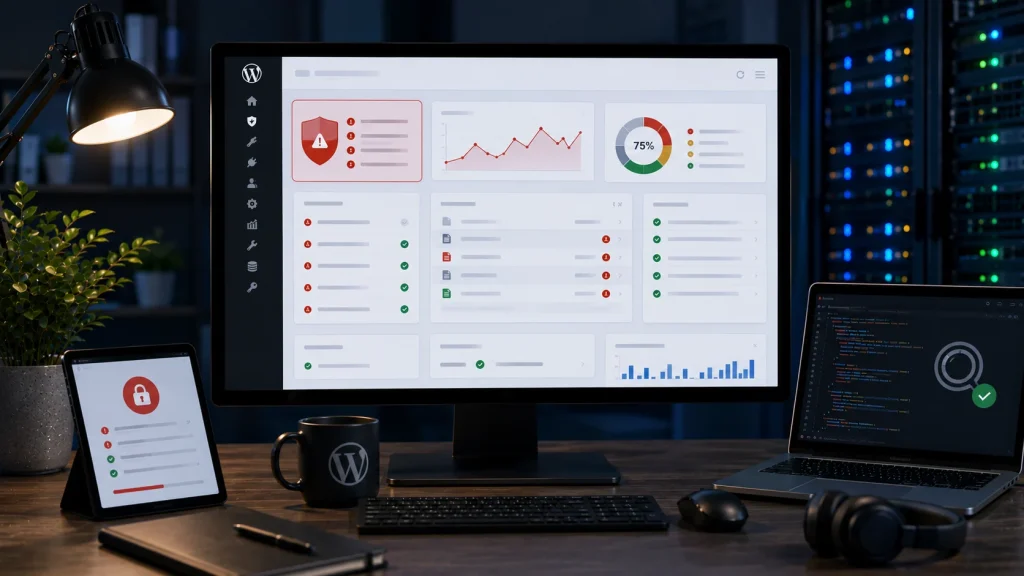
Signs a WordPress site may be hacked
Common signs include suspicious redirects, unknown admin users, injected scripts, strange popups, spam pages, modified files, blacklisted URLs, changed SEO titles, broken checkout behavior, or warnings from browsers and security tools.
Do not only remove the visible symptom
Removing one script or redirect may not fix the compromise. A hacked site can include backdoors, hidden files, altered database content, malicious users, weak passwords, outdated plugins, or recurring injection points.
Contain the problem
Change passwords, review admin users, preserve logs, check recent file changes, scan the site, and avoid deleting evidence before the source is understood. On an active store, protect checkout and customer trust first.
Clean and harden
Cleanup may include removing malicious files, replacing core files, updating vulnerable plugins, rotating credentials, reviewing cron jobs, checking database injections, and tightening permissions.
Maintenance after cleanup
After a WordPress hacked fix, ongoing monitoring, update discipline, backups, security hygiene, and log review are important because many compromises return if the original weakness remains.
Related service pages
If the issue affects a live business website, it may need direct technical troubleshooting rather than repeated trial and error.
Conclusion
wordpress hacked fix is safest when the work starts from symptoms, recent changes, logs, and a controlled recovery plan. The goal is not only to make the visible error disappear, but to understand why the site broke and reduce the chance of the same issue returning.
Frequently asked questions
How do I know if WordPress is hacked?
Signs include suspicious redirects, unknown users, injected scripts, spam pages, browser warnings, changed files, strange checkout behavior, or security scan alerts.
Can malware break a WordPress site?
Yes. Malware can cause redirects, errors, slowdowns, checkout issues, admin problems, SEO spam, or full site instability.
Is deleting suspicious files enough?
Not always. Backdoors, database injections, unknown users, and vulnerable plugins may still remain.
What should happen after cleanup?
After cleanup, the site should be hardened, updated, monitored, backed up, and reviewed for recurring suspicious behavior.