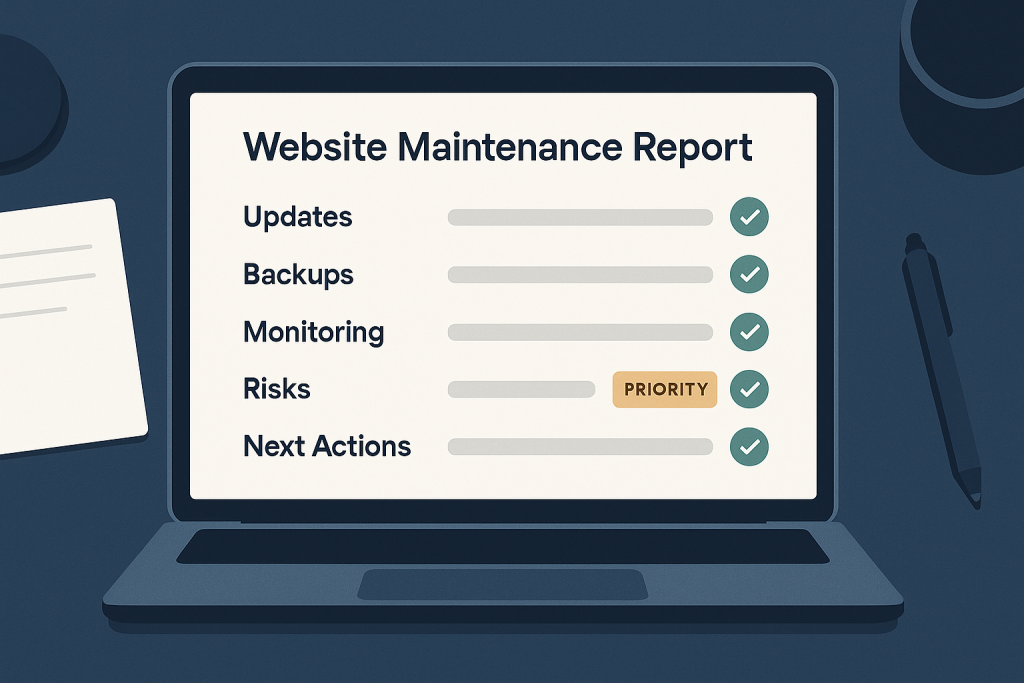
A **website maintenance report** is a concise record of the work completed on a site, the issues found, the risks that remain, and the next actions worth taking. It gives a website owner visibility without requiring them to inspect plugin versions, server logs, backups, or technical dashboards themselves.
For a WordPress site, WooCommerce store, or custom PHP application, a good report is not simply a list of updates. It should answer practical questions: Is the site being looked after? Did anything need attention? Is there a backup that can be restored? Are there emerging risks? And does the owner need to make a decision?
If you need a reliable technical contact to handle these checks and communicate clearly, see our [Website Maintenance Support](https://phprescue.dev/services/website-maintenance-support/).
## Why a website maintenance report matters
Maintenance often happens quietly when everything is working. That is a good outcome, but it can make the value of ongoing technical work hard to see. A report closes that gap. It documents preventative work and highlights items that could become costly if ignored.
It also separates routine housekeeping from active troubleshooting. For example, applying compatible updates and verifying the main site flow are normal maintenance activities. Investigating failed orders, a security incident, or a persistent error may require separate, focused work. A report should make that distinction clear rather than implying every problem is solved by a routine update.
For site owners, this creates a useful record over time. A single report may show little more than normal upkeep. Several reports can reveal patterns, such as recurring failed backup jobs, growing database overhead, repeated plugin update concerns, or a feature that needs a longer-term technical review.
## What should be included in a website maintenance report?
The best format depends on the website and support arrangement, but a useful website maintenance report usually includes the following sections.
### 1. Reporting period and website scope
Start with the basics: the site or store covered, the period reviewed, and the environments involved. If a business has a live site plus staging, clarify which actions occurred on each.
This sounds simple, but scope prevents misunderstandings. It should be clear whether the report covers one website, a store and its checkout, a custom integration, or several related services.
### 2. Summary of completed work
This section should state what was actually done in plain language. It may include:
– WordPress core, plugin, theme, or PHP dependency updates reviewed or applied
– Compatibility checks before or after important changes
– Small technical fixes or configuration corrections
– Backup review and restore-readiness checks
– Security hygiene tasks, such as removing unused components or reviewing user access
– Uptime, error, or performance observations
– Routine database or cache-related maintenance where appropriate
A short explanation matters more than a long version list. “Updated the payment gateway extension and tested a sample checkout path” is more useful than a raw list of package numbers with no context.
### 3. Backup status and recovery confidence
“Backups enabled” is not the same as “backups are usable.” A report should state what was checked, such as whether recent backup jobs completed, where backups are retained, and whether there were any failures or gaps.
Not every maintenance period requires a full restore test, especially for a small site. However, the report should not overstate recovery confidence. If restore testing has not been performed, it is better to say so and recommend it where the business impact justifies the effort.
For an online store, a discussion of recovery should also consider recent orders and customer data. A restore point that predates important transactions may be technically valid but still create operational work.
### 4. Updates, compatibility, and changes made
A report should show meaningful changes, including anything deferred and why. Updates may be held back because they require testing, have a known compatibility concern, or relate to custom code that needs review.
Deferred does not automatically mean neglected. In some cases, holding an update until it can be tested safely is the responsible choice. What matters is that the reason, risk, and intended next step are visible.
This section is particularly important when a site relies on custom theme work, checkout extensions, external APIs, or older server software. Those dependencies can turn an apparently routine update into a change that deserves a controlled review.
### 5. Monitoring findings and technical observations
A useful report summarizes relevant signals rather than dumping every alert or log entry on the owner. Depending on the site, this could include:
– Repeated PHP or application errors
– Failed scheduled tasks or background jobs
– Slow administrative actions or slow public pages
– Unusual uptime interruptions
– Broken forms, checkout flows, or integration warnings
– Storage, database, or resource pressure
– Expiring certificates, domains, or third-party credentials
The key is interpretation. An isolated warning that did not affect visitors may simply be noted. A recurring error tied to a critical user journey should be elevated, described in plain English, and given a proposed response.
### 6. Security and access review
A report can include relevant security hygiene without making broad promises that no website can honestly guarantee. Common items include reviewing outdated software, unused plugins, inactive accounts, administrator access, and visible signs that warrant further investigation.
Access management deserves attention because it is easy to overlook during day-to-day operations. Former staff, agencies, or contractors may retain access long after their involvement ends. If a provider needs credentials to support a site, those should be managed deliberately. Use a [website maintenance access checklist](https://phprescue.dev/website-maintenance-access-checklist/) to make sure the right technical access is available without sharing more than necessary.
### 7. Open risks, recommendations, and owner actions
This may be the most valuable part of the report. It should identify what is not yet resolved and what needs approval, information, or a business decision.
Examples include:
– A plugin should be replaced because it is no longer maintained.
– A hosting or PHP version change needs staging tests.
– A payment provider credential is due to expire.
– A larger performance investigation is recommended.
– A recurring error requires developer time outside routine maintenance.
– The owner should confirm whether an unused account can be removed.
Recommendations should be prioritized. Labeling something as urgent, planned, or optional helps owners act without treating every technical note as an emergency.
## What a maintenance report should not be
A report is less useful when it creates activity without insight. Watch for these warning signs:
– A long list of updates with no indication of testing or impact
– Generic statements such as “site optimized” with no supporting detail
– No mention of backup status, risks, or deferred work
– Repeated recommendations with no explanation of the consequence of inaction
– Technical jargon that leaves the site owner unable to decide what to do
– Claims that the site is completely secure, error-free, or guaranteed never to fail
The objective is not to produce an impressive-looking document. It is to provide an honest, readable operational snapshot.
## How often should you receive a website maintenance report?
Monthly reporting is a practical default for many business websites and stores because it gives enough time for meaningful maintenance activity and keeps issues visible. Higher-risk or high-traffic sites may need more frequent communication, particularly during a launch, major marketing campaign, or period of technical change.
The reporting rhythm should match the maintenance arrangement. A stable brochure site may only need a concise monthly summary. A WooCommerce store with regular orders, multiple integrations, and frequent updates may benefit from more detailed reporting and faster escalation when a critical workflow is affected.
Frequency alone is not the measure of quality. A brief, specific report that identifies completed work and clear next steps is more useful than a detailed report that says little.
## Questions to ask about your maintenance reporting
Before engaging ongoing support, ask these questions:
1. What routine checks are included, and which tasks are outside the arrangement?
2. Will the report show completed work, findings, and deferred items separately?
3. How are urgent issues escalated between scheduled reports?
4. How is backup status reviewed, and when are restore tests recommended?
5. Who owns the accounts, licences, and access required to maintain the site?
6. How are recommendations prioritized when larger work is needed?
These questions help set expectations early. They also make it easier to spot the [signs your website needs maintenance support](https://phprescue.dev/signs-your-website-needs-maintenance-support/) before small technical issues turn into disruptive failures.
## Want ongoing support for your website or store?
A website maintenance report should leave you knowing what happened, what needs attention, and what is safe to defer. It is a practical communication tool, not a substitute for careful technical work—but it shows whether that work is being performed with care.
For WordPress, WooCommerce, and PHP-based websites, ongoing maintenance can include updates, stability checks, backup review, security hygiene, and help with small issues before they become urgent. The right approach is based on the site’s real dependencies and business priorities, with reporting that stays clear enough for owners to make informed decisions.