
wordpress mixed content fix starts with identifying the exact symptom, checking recent changes, and using logs before making risky changes on a live WordPress site. A broken page, admin error, checkout failure, security warning, or blank screen may look simple, but the cause can sit inside plugins, themes, PHP, cache, hosting, database, or custom code.
This guide explains what to check first, which signals matter, and when the issue should be handled as a focused WordPress troubleshooting task instead of a random plugin experiment.
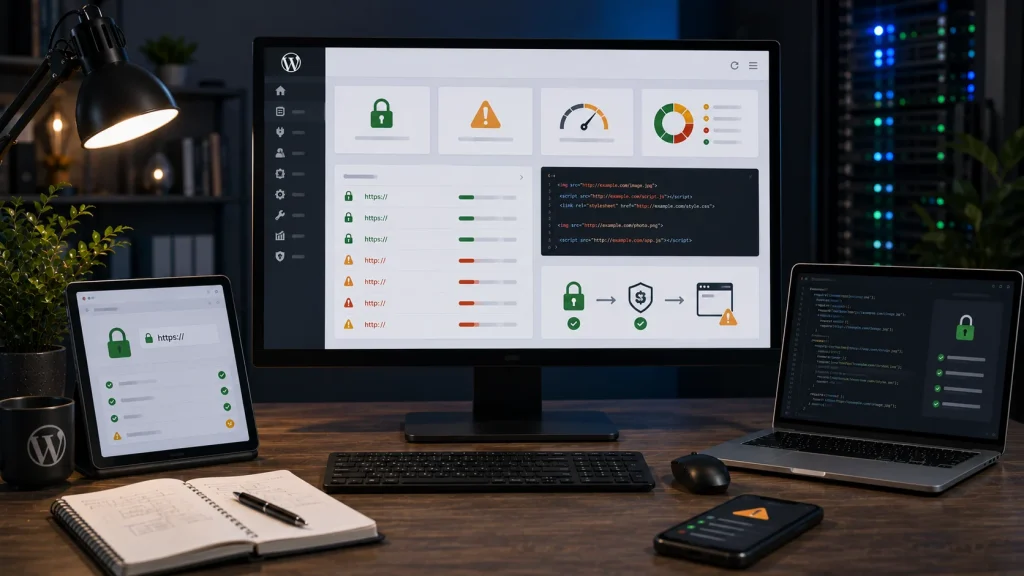
What mixed content means
Mixed content happens when an HTTPS page loads some resources over HTTP. The page itself may have SSL, but images, scripts, CSS, fonts, iframes, or plugin assets may still use insecure URLs.
Why WordPress mixed content happens
It often appears after SSL setup, domain changes, migrations, CDN configuration, hardcoded theme URLs, old database URLs, page builder content, plugin settings, or manually inserted HTTP links.
What to check first
Use browser DevTools to identify the insecure resource. Then check whether the URL comes from media content, theme files, plugin output, database content, CDN settings, or external scripts.
Avoid blind search and replace
A database search and replace can help, but doing it blindly can damage serialized data, plugin settings, staging URLs, or external references. Use a safe method and backup first.
Why it matters
Mixed content can affect browser trust, security indicators, script loading, image display, checkout trust, and user confidence. On stores, SSL warnings can reduce conversion.
Related service pages
If the issue affects a live business website, it may need direct technical troubleshooting rather than repeated trial and error.
Conclusion
wordpress mixed content fix is safest when the work starts from symptoms, recent changes, logs, and a controlled recovery plan. The goal is not only to make the visible error disappear, but to understand why the site broke and reduce the chance of the same issue returning.
Frequently asked questions
What causes WordPress mixed content?
It is caused by HTTPS pages loading HTTP images, scripts, CSS, fonts, iframes, plugin assets, or hardcoded URLs.
Can mixed content break layout?
Yes. If CSS, JavaScript, or fonts are blocked, the page may display incorrectly or features may stop working.
Can a CDN cause mixed content?
Yes. CDN rules, asset URLs, SSL mode, or cached HTTP paths can create mixed content warnings.
Should I use a plugin to fix mixed content?
A plugin may help, but the real source should be identified so the fix is stable.