
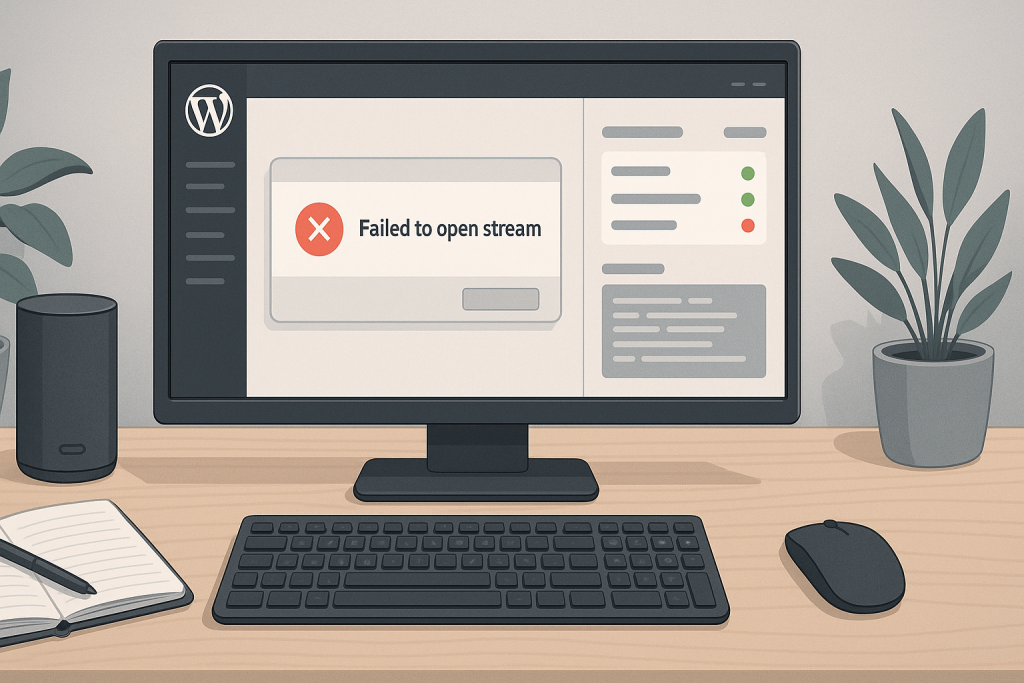
wordpress failed to open stream error A WordPress failed to open stream error appears when PHP tries to read, include, create, or write a file and cannot complete the operation. The message often looks technical, but it usually contains the clues needed to narrow the problem: the file path, the PHP function involved, and the reason access failed. The safest response is to preserve the original error, identify recent changes, and avoid random permission changes or plugin resets on a live site.
What the error actually means
The phrase “failed to open stream” is a generic PHP message, not a complete diagnosis. WordPress, a plugin, a theme, or custom code asked PHP to open a file. PHP then failed because the file did not exist, the path was wrong, the process lacked permission, a temporary directory was unavailable, or the request was blocked by the operating system. The words that appear after the message matter. “No such file or directory” suggests a missing file or bad path. “Permission denied” points toward ownership or permissions. “Operation not permitted” can involve hosting restrictions or security policies.
Common causes on WordPress sites
Incomplete plugin and theme updates are common causes because one file may be removed before its replacement is written. Migrations can also leave absolute paths that still reference the old server. Other causes include deleted files, failed restores, missing Composer dependencies, custom code with hard-coded paths, broken upload directories, security plugins blocking file access, and ownership changes after files were copied by a different server user. On shared hosting, temporary folder limits and account-level restrictions may also be involved.
Read the entire path before changing anything
The path in the error tells you which component is involved. A path inside wp-content/plugins usually points toward a plugin, while a path inside a child theme suggests theme code or a custom include. A path under vendor may indicate missing dependencies. Check whether the path belongs to the current server and domain. Paths copied from staging, local development, or a previous host can remain inside configuration or custom code after migration.
Check recent changes first
Review what changed shortly before the error appeared. Look at plugin updates, theme edits, WordPress core updates, PHP version changes, hosting moves, restore operations, deployment scripts, security settings, and manual file changes. If the issue started directly after an update, compare the plugin or theme folder against a clean copy. If it began after migration, verify paths, ownership, symlinks, and environment-specific configuration.
Verify existence, ownership, and permissions
Confirm that the referenced file exists. If it does, check whether the PHP process can traverse every parent directory and read the file. Correct ownership is often more important than making permissions wider. A common safe pattern is readable files and traversable directories owned by the expected deployment or web server user. Setting everything to 777 may appear to remove the error, but it creates a serious security risk and does not fix the underlying ownership problem.
How to test the fix safely
Use staging when possible. Apply one change at a time, reload the affected page, and check logs after each step. If the error affects uploads, test a small upload. If it affects checkout or forms, verify the complete workflow rather than only checking the page load. After replacing missing files, clear only the relevant cache and confirm that no related warnings remain.
When direct help is the safer option
Get technical help when the error blocks wp-admin, checkout, media uploads, scheduled tasks, customer login, or the whole website. Help is also appropriate when the path points into custom code, vendor dependencies, or server-level folders. A focused diagnosis is safer than repeated trial and error on a production site.
Related technical support
If this issue affects a live website, store, application, or business-critical workflow, the following service pages provide the most relevant support path.
Conclusion
wordpress failed to open stream error should be resolved by identifying the actual failure path, applying the smallest safe fix, and verifying the workflows that matter to users and the business.
Frequently asked questions
Can a plugin update cause a WordPress failed to open stream error?
Yes. An incomplete update, missing file, or changed path inside the plugin can trigger it.
Does the error always mean the file is missing?
No. The file may exist but PHP may not have permission to access it, or the path may be incorrect.
Should I set file permissions to 777?
No. That creates unnecessary security risk and usually hides the real ownership or configuration problem.
Can migration cause this error?
Yes. Old absolute paths, missing files, wrong ownership, and incomplete transfers are common after migration.