
symfony service not found error A Symfony service not found error means the dependency injection container cannot resolve a requested service or one of the dependencies needed to build it. The message may mention a service ID, class, interface, alias, constructor argument, or autowiring problem. Symfony usually provides useful hints, so the exact wording should be preserved before changing configuration.
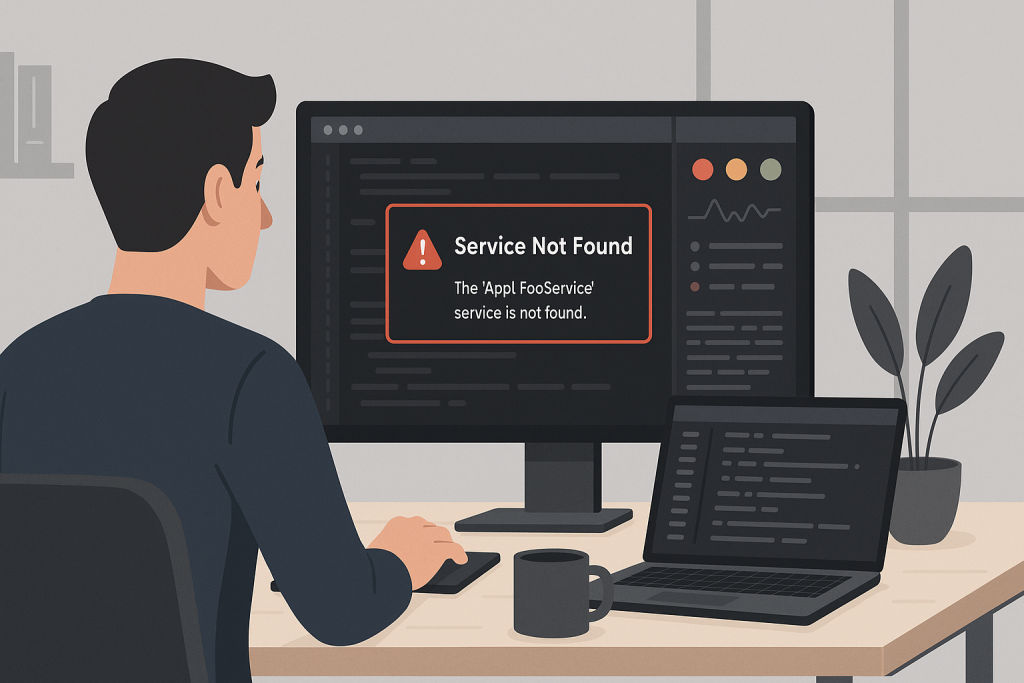
Read the full container message
Symfony often lists similar service IDs, explains that a service is private, or identifies the argument that cannot be autowired. A suggested alternative may reveal a typo, namespace mismatch, old service name, or missing alias. Start from the first missing dependency rather than following every later error.
Check service discovery and resource rules
Review services.yaml, resource paths, exclude rules, namespace prefixes, and environment-specific service files. A class may exist in the codebase but be excluded from automatic discovery or stored outside the configured resource path.
Review aliases and interfaces
When a constructor depends on an interface, Symfony needs to know which implementation to inject. If there are multiple implementations or none is aliased, autowiring cannot choose. Define an explicit alias or bind the argument to the required service.
Understand private services
Services are private by default in modern Symfony applications. Application code should normally receive dependencies through constructor injection instead of fetching them directly from the container. Making a service public may hide the design problem and is rarely the best long-term fix.
Check decorators, compiler passes, and service removal
A decorator can replace the original service ID. Compiler passes may remove, rename, tag, or modify definitions. During container optimization, unused private services can also be inlined or removed. Review custom compiler passes and bundle extensions when the service disappears unexpectedly.
Compare development and production configuration
A service may work in dev but fail in prod because bundles, config files, environment variables, or compiler optimization differ. Use debug:container in the correct environment and compare the resolved service IDs, aliases, and arguments.
Clear and warm the correct cache
The compiled service container is environment-specific. Clear and warm the cache using the production PHP version, production environment, and the same operating-system user as the application. Wrong ownership can create a second failure after the original service issue is fixed.
Verify the consuming code
After the service is available, confirm that the consumer receives the intended implementation and that the change does not affect decorators, event listeners, commands, controllers, or tests. A service that exists but is wired incorrectly can create subtler runtime bugs.
Useful container commands and checks
Use the container debugging tools in the same environment where the failure occurs. Inspect the requested service ID, search by class or interface, review aliases, and examine constructor arguments. Confirm that the relevant bundle is enabled and that environment-specific configuration is loaded. When custom compiler passes are present, inspect their order and conditions. A small service-definition change should be followed by a clean cache rebuild and a functional test of the consuming controller, command, listener, or worker.
Related technical support
If this issue affects a live website, store, application, or business-critical workflow, the following service pages provide the most relevant support path.
Conclusion
symfony service not found error should be resolved by identifying the actual failure path, applying the smallest safe fix, and verifying the workflows that matter to users and the business.
Frequently asked questions
Why does Symfony say a service does not exist?
The service ID may be wrong, excluded, private, removed, missing an alias, or unavailable in that environment.
Can autowiring cause this error?
Yes. Interfaces, scalar arguments, and multiple implementations may require explicit configuration.
Why does it work in dev but fail in prod?
Environment-specific configuration and compiled container caches can differ.
Should I make every service public?
No. Prefer dependency injection and only expose services publicly when there is a clear reason.