
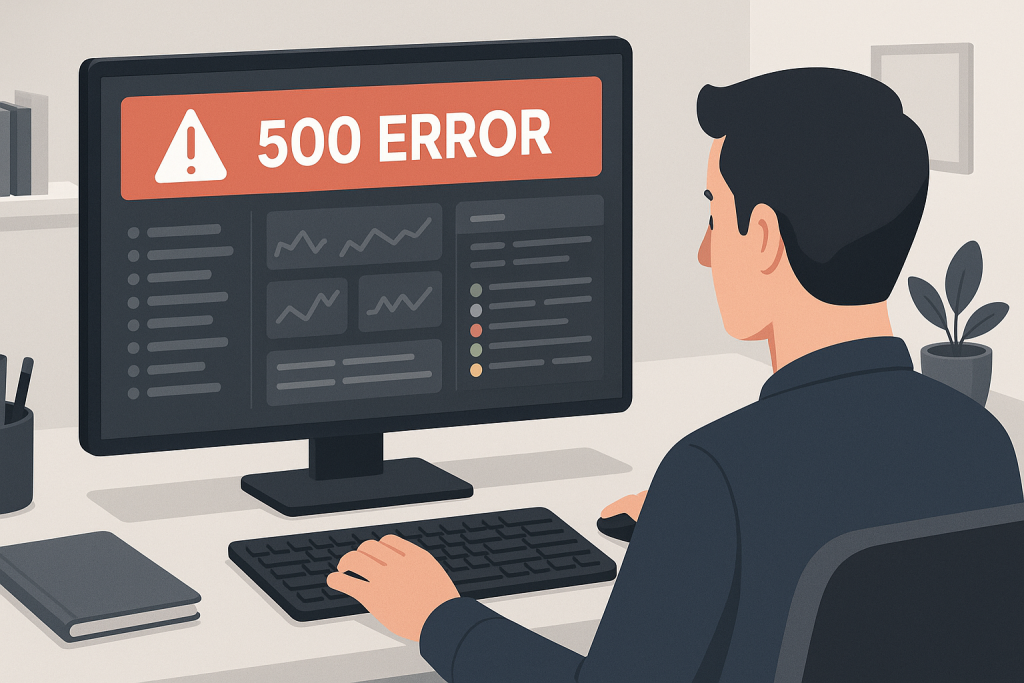
laravel 500 error in production A Laravel 500 error in production is a generic response that hides the detailed exception from visitors. The browser may show only “Internal Server Error,” while the actual cause is recorded in Laravel logs, PHP-FPM logs, web server logs, container output, or the hosting platform. The safest troubleshooting process starts with the request timestamp, route, deployment history, and server evidence.
Check Laravel logs first
Review storage/logs or the configured logging channel. Match the error timestamp with the request path, user action, deployment time, and any monitoring alert. If the application writes to a remote logging service, confirm that the connection is working. An empty log does not mean Laravel is healthy; it may mean the application cannot write to storage.
If Laravel logs are empty, move down the stack
Check PHP-FPM, Nginx, Apache, container, process manager, and platform logs. Syntax errors, missing PHP extensions, file-permission failures, startup errors, and process crashes may occur before Laravel can handle the exception.
Review the latest deployment
Look for missing environment variables, incomplete vendor packages, failed Composer scripts, absent PHP extensions, failed migrations, incorrect release symlinks, stale build artifacts, and unsupported package versions. Compare the deployed commit and lock file with the expected release.
Verify storage and cache permissions
Laravel needs write access to storage and bootstrap/cache. Incorrect ownership can break logging, sessions, compiled views, framework cache, and queues. Fix ownership for the application user instead of applying excessively broad permissions.
Clear and rebuild caches carefully
Cached configuration may contain old environment values. Route, view, event, and config caches can also mismatch the deployed code. Clear and rebuild them using the same PHP version, environment, working directory, and user as the live application.
Check database and external services
A database outage, Redis failure, unavailable object storage, mail transport problem, or external API timeout can trigger a 500 on specific routes. Test connectivity from the application environment, not only from your local machine.
Review queues and background workers
Some requests dispatch jobs or depend on worker-generated data. Check failed jobs, Supervisor or systemd status, Redis queues, timeouts, memory limits, and whether workers were restarted after deployment.
Do not enable debug publicly
APP_DEBUG=true can expose database queries, secrets, file paths, and configuration. Use logs, protected staging, request IDs, and controlled reproduction instead. After the repair, test the affected route and related workflows.
Practical production checklist
Record the request URL, method, user action, timestamp, release version, and request ID if available. Compare the failing request with a successful one. Confirm the active PHP binary, environment variables, writable directories, queue state, database connectivity, Redis availability, and recent migration status. If the failure occurs behind a proxy or load balancer, review upstream health and forwarded headers. These checks reduce the risk of fixing the wrong layer.
Related technical support
If this issue affects a live website, store, application, or business-critical workflow, the following service pages provide the most relevant support path.
Conclusion
laravel 500 error in production should be resolved by identifying the actual failure path, applying the smallest safe fix, and verifying the workflows that matter to users and the business.
Frequently asked questions
Where should I look for a Laravel 500 error?
Start with Laravel logs, then PHP-FPM, web server, container, and platform logs.
Can config cache cause a Laravel 500 error?
Yes. Stale or incorrect cached configuration can break production after deployment.
Can file permissions cause the error?
Yes. Laravel needs correct write access to storage and bootstrap/cache.
Should APP_DEBUG be enabled on production?
No. It can expose sensitive information to visitors.