
error establishing a database connection wordpress fix starts with identifying the exact symptom, checking recent changes, and using logs before making risky changes on a live WordPress site. A broken page, admin error, checkout failure, security warning, or blank screen may look simple, but the cause can sit inside plugins, themes, PHP, cache, hosting, database, or custom code.
This guide explains what to check first, which signals matter, and when the issue should be handled as a focused WordPress troubleshooting task instead of a random plugin experiment.
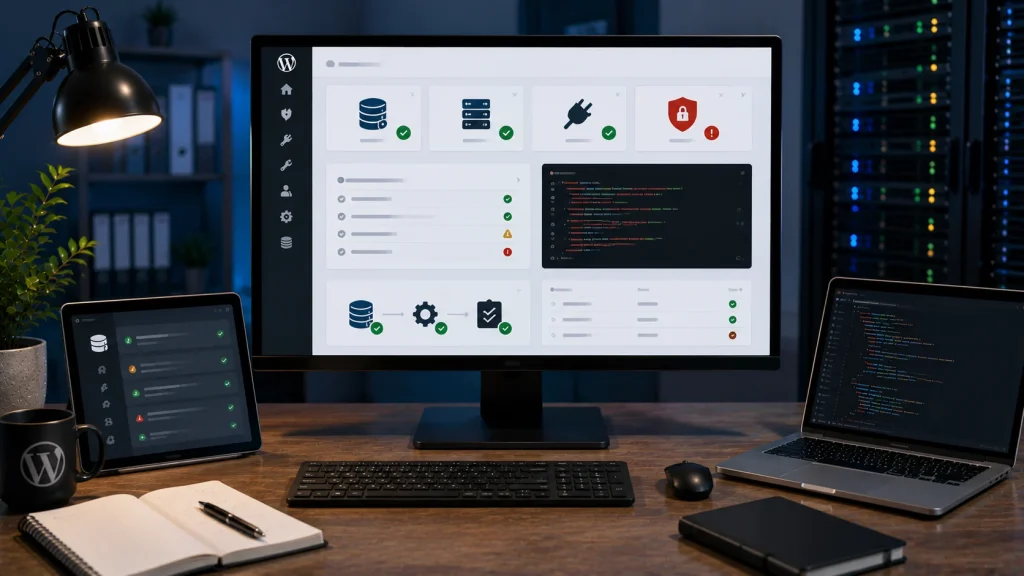
What the database connection error means
This error means WordPress cannot connect to the database it needs to load posts, pages, settings, users, orders, and site configuration. The site files may still exist, but WordPress cannot read the database.
Common causes
Common causes include wrong database credentials, database server downtime, MySQL overload, hosting resource limits, corrupted tables, changed database host, permission issues, or a migration that did not complete correctly.
Check wp-config.php carefully
The database name, username, password, and host are defined in wp-config.php. A small mismatch can break the whole site, especially after migration, password change, or hosting move.
Check the database server
If credentials are correct, the database server may be down, overloaded, locked, or refusing connections. Hosting logs and control panel status can help confirm this.
When to treat it as urgent
Treat this as urgent when the site is down, WooCommerce orders are blocked, admin access is unavailable, or the error appears during high traffic or a business-critical period.
Related service pages
If the issue affects a live business website, it may need direct technical troubleshooting rather than repeated trial and error.
Conclusion
error establishing a database connection wordpress fix is safest when the work starts from symptoms, recent changes, logs, and a controlled recovery plan. The goal is not only to make the visible error disappear, but to understand why the site broke and reduce the chance of the same issue returning.
Frequently asked questions
What causes error establishing a database connection in WordPress?
It is usually caused by wrong database credentials, database downtime, MySQL overload, corrupted tables, hosting limits, or migration problems.
Can I fix it from WordPress admin?
Usually not if the database connection is fully broken. You may need hosting, database, FTP, or SSH access.
Can this happen after migration?
Yes. Database host, credentials, prefixes, permissions, or imported data can be wrong after migration.
Is this an emergency?
It is an emergency when the live site or store cannot load and users cannot access important pages.