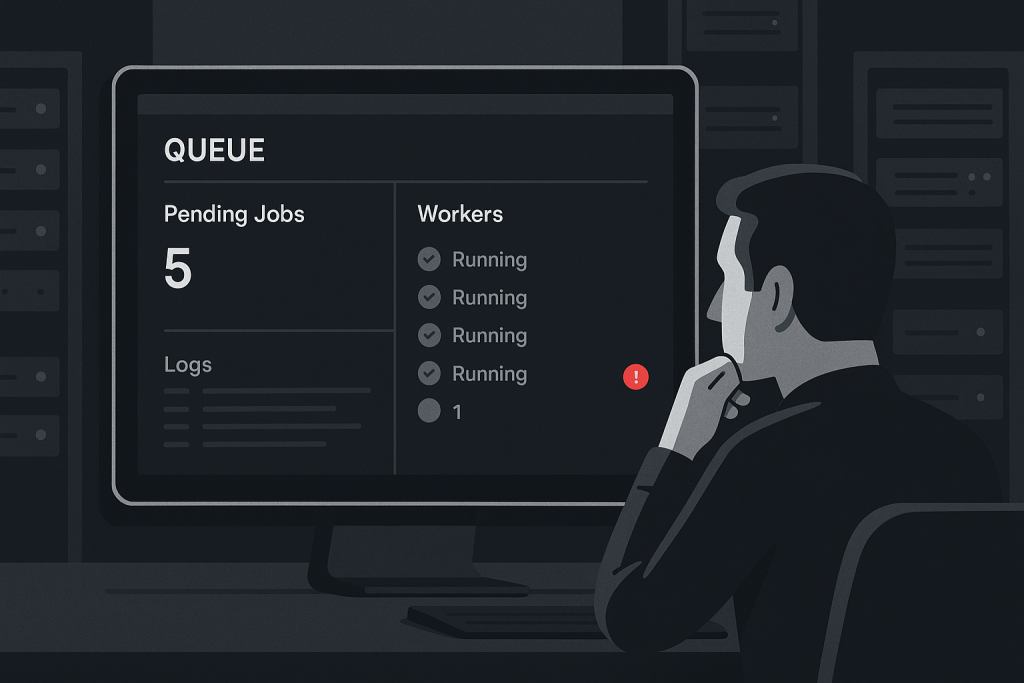
When a **Laravel queue worker not processing jobs** problem appears, the visible symptom is often deceptively simple: emails stop sending, imports remain pending, webhook delivery falls behind, or customers wait for notifications that should have arrived minutes ago. The web application may still load normally because the failed part of the system runs in the background.
The goal is not to restart processes at random. A safe diagnosis separates four questions: are jobs being dispatched, are they reaching the expected queue backend, is a worker consuming that queue, and is the worker completing jobs successfully?
If a production backlog is affecting customers or business operations, focused [Laravel Bug Fixing](https://phprescue.dev/services/laravel-bug-fixing/) can help trace the fault without treating symptoms as the cause.
## First, confirm what “not processing” means
A queue issue can occur at different points in the job lifecycle. Establishing the stage prevents misleading fixes.
– **Jobs are never created:** The code path that should dispatch the job is not reached, a condition prevents it, or an exception occurs before dispatch.
– **Jobs are created but remain pending:** A worker is stopped, listening to another queue name, using another connection, or cannot reach the backend.
– **Jobs are reserved and then fail:** The worker is active, but the job throws an exception, times out, exceeds memory, or depends on an unavailable service.
– **Jobs appear to run but the expected result is missing:** The job may finish without performing the intended action, use stale configuration, or send output to an unexpected environment.
Start with one known example. Record when it was dispatched, which queue it should use, the expected outcome, and its current state. Avoid repeatedly dispatching live jobs while the cause is unknown; that can create duplicates when processing resumes.
## Check the queue connection and queue name
Laravel can use several queue connections, including database, Redis, SQS, and others. The application and the worker must use the same effective configuration.
Review the relevant environment values and `config/queue.php`, paying particular attention to the default connection, queue names, Redis prefixes, and any environment-specific overrides. A common production mistake is dispatching jobs to `high` while the worker only listens to `default`, or pointing a newly deployed application at a different Redis database or prefix.
Use the application’s configured commands and monitoring tools to inspect the queue backend where appropriate. For a database queue, look at pending records and the `failed_jobs` table. For Redis or a managed queue service, use the provider’s queue metrics or a safe inspection method. The key question is whether the jobs are arriving where the worker expects them.
Do not assume that a `.env` edit is immediately active. In production, cached configuration can mean the running application and worker continue using older values.
## Verify that a worker process is actually running
A queue worker is a long-running process. Running `php artisan queue:work` manually over SSH may prove that a job can execute, but it is not a durable production solution. The process can end when the session ends, be killed after a deployment, or run under a different user and environment than the managed worker.
Check the process manager used by the server, commonly Supervisor or systemd. Confirm that the worker:
1. Is running and has not entered a crash-restart loop.
2. Uses the correct project path and PHP binary.
3. Runs as a user with access to the application files, storage paths, and required credentials.
4. Has the intended queue connection and queue name in its command.
5. Writes stderr or logs somewhere you can inspect.
A worker command that looks valid can still be wrong after a server migration. For example, it may reference an old release directory, a different PHP version, or a queue name no longer used by the application.
## Read failed-job data and worker logs before retrying
When jobs fail, the exception is usually more useful than the backlog itself. Check Laravel’s application log, worker logs, and failed-job records for the earliest repeatable failure. Look for patterns such as:
– authentication or connection errors for Redis, the database, mail, or an API;
– missing environment variables or invalid credentials;
– class, dependency, or serialization errors after code changes;
– timeouts, memory exhaustion, or process termination;
– file permission failures involving `storage` or generated files;
– rate-limit responses from a third-party service.
Retrying a failed job before reading the error can hide timing clues and may repeat a side effect. This is especially important for payment, fulfillment, webhook, and data-sync jobs. Understand whether the job is idempotent—safe to run more than once—before retrying it in production.
## Review the latest deployment carefully
Queue incidents frequently begin after a deployment, even when the public site appears healthy. Workers load application code into memory and do not automatically use new code simply because a release was deployed.
After deploying queue-related changes, workers generally need a controlled restart so they can load the new release. Laravel provides mechanisms for asking workers to exit gracefully after their current job; the process manager can then start new workers. The exact process should fit your deployment method and traffic requirements.
Also review whether the deployment changed any of the following:
– `QUEUE_CONNECTION`, queue names, Redis settings, or service credentials;
– the PHP version or installed extensions;
– job classes, serialized payloads, models, or dependencies;
– timeout, retry, backoff, or memory settings;
– filesystem permissions or the active release path.
Do not delete pending jobs just to clear the dashboard. If the fault is a stopped worker, the queue may recover once the worker is restored. If the fault is bad code or unavailable infrastructure, deleting jobs removes evidence and can lose business work.
## Check timeouts, retries, and visibility settings
A job that takes longer than its allowed runtime can be killed and retried. Depending on the queue driver, it may appear to disappear temporarily, reappear later, or create a loop of duplicate attempts.
Compare the job’s expected runtime with the worker timeout, retry count, backoff strategy, and the queue backend’s visibility or retry-after setting. These settings must be compatible. A worker timeout that conflicts with the backend’s retry window can cause the same work to be picked up more than once.
Long-running work is often better split into smaller, resumable jobs. That design reduces memory pressure and makes recovery less risky. However, do not change timeouts blindly during an active incident. First identify whether the job is truly slow, blocked on an external dependency, or failing for another reason.
## Distinguish worker capacity from a blocked queue
A queue can be healthy but under-provisioned. Signs include a steadily growing pending count, no obvious exceptions, and workers processing jobs more slowly than they arrive. In that case, investigate throughput, concurrency, slow jobs, external API latency, database contention, and server capacity.
A blocked queue looks different: jobs may remain untouched, workers may be absent, or every job may fail immediately. Scaling more workers will not solve a shared configuration error or an expired API credential. It can make an external-service failure noisier.
If Laravel Horizon is in use, its dashboard can help distinguish wait time, failed jobs, throughput, and worker status. Treat it as evidence, not as a substitute for checking the underlying exception and process configuration.
## A safe recovery sequence
Once the cause is understood, recover in a controlled order:
1. Preserve relevant logs, job IDs, error messages, and deployment details.
2. Correct the specific configuration, code, credential, permission, or infrastructure issue.
3. Validate the fix with a low-risk test job where possible.
4. Restart workers through the normal process-management workflow so they load the intended release and configuration.
5. Retry only jobs that are safe to retry and verify the business result, not merely that the queue count dropped.
6. Monitor backlog size, failure rate, and the downstream outcome until the queue stabilizes.
For a serious backlog, decide which jobs are time-sensitive and which can be processed later. Customer notifications, inventory syncs, and transactional workflows may need different handling from noncritical reporting tasks.
## When to get help with a Laravel queue issue
Get focused help when jobs involve irreversible actions, failures return after restarts, workers die repeatedly, or a deployment has left the application and workers in an uncertain state. The useful evidence to provide includes the Laravel version, queue driver, affected queue name, first failure time, recent changes, worker command or process-manager configuration, and sanitized log excerpts.
For applications built on the smaller Laravel-derived framework, see this [Lumen bug fixing guide](https://phprescue.dev/lumen-bug-fixing/) for a framework-specific production troubleshooting approach.
## Frequently asked questions
### Do you work with Lumen or Laravel-based CMSs?
Yes. The important starting point is the application’s actual stack, deployment method, queue driver, and the failing workflow. Laravel-based CMSs and Lumen applications can have additional package or hosting constraints, so provide the relevant logs and configuration context.
### Symfony-only apps?
For a Symfony-only application, the queue tooling and failure patterns may differ from Laravel. It is best to use support that is scoped to the framework and background-processing component in use.
### What access is usually needed?
Useful access depends on the incident, but it commonly includes application logs, deployment details, read-only or controlled server access, process-manager configuration, and access to queue or infrastructure metrics. Share only what is necessary and avoid sending secrets in plain text.
### Need a Laravel bug fixed?
If your Laravel queue worker is not processing jobs and the issue is affecting production work, describe the symptom, the first time it occurred, recent changes, and any error output. That gives a troubleshooting process a stronger starting point than a generic restart.