
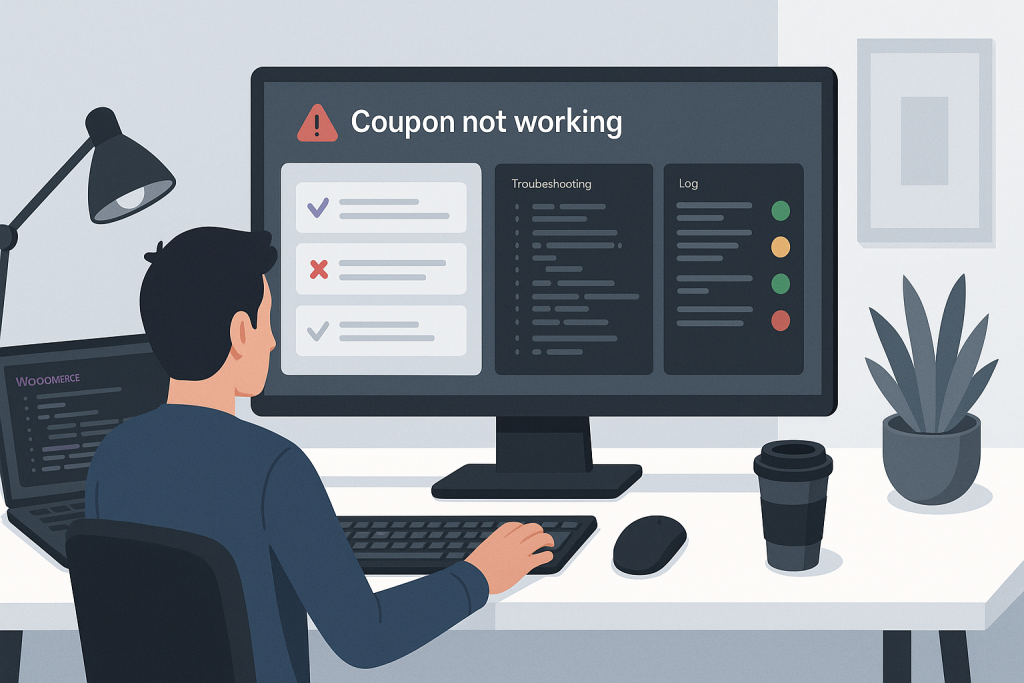
woocommerce coupon not working problems can appear as an invalid-code message, a discount that stays at zero, a coupon that disappears after checkout updates, or a code that works for one customer but not another. Coupon validation depends on dates, cart contents, customer identity, usage limits, product rules, shipping, taxes, and extensions. The fastest diagnosis reproduces the exact cart and customer conditions.
Start with the exact error message
WooCommerce usually explains why a coupon was rejected. Capture the message before changing settings because “expired,” “minimum spend not met,” “individual use only,” and “not applicable to selected products” point to different causes. Also record the coupon code exactly as entered, the cart contents, customer account, currency, and checkout step where the failure occurs.
Check coupon status and date limits
Confirm the coupon exists, is published, and has not expired. Review the expiry date in the site timezone. Imported or migrated coupons may contain unexpected date values. If the store uses scheduling or custom coupon plugins, check whether a start date or campaign rule keeps the coupon inactive.
Review minimum and maximum spend
WooCommerce calculates spend conditions based on the cart subtotal and coupon configuration. Shipping and some taxes may not count toward the required amount. Sale prices, existing discounts, and currency conversion can also change the eligible subtotal. Test a cart clearly above the threshold so rounding does not confuse the result.
Inspect product and category restrictions
A coupon can be limited to specific products or categories, or exclude certain products and categories. Variable products require careful checking because restrictions may reference the parent product, a specific variation, or both depending on the extension. Confirm that at least one cart line is genuinely eligible and that excluded items do not invalidate the whole coupon.
Check sale-item and individual-use settings
The “Exclude sale items” option prevents discounts on products already on sale. “Individual use only” can block the coupon when another coupon is present. Some discount plugins add stacking rules that are stricter than WooCommerce core. Remove other coupons and test with a simple eligible product to isolate the rule.
Review usage limits and customer restrictions
Coupons can have a total usage limit, a per-user limit, and a usage limit per item. Guest customers may be tracked by billing email, while logged-in customers may be tracked by account. Cancelled or failed orders can sometimes affect recorded usage depending on plugins and order handling. Review coupon usage records and recent test orders.
Check checkout updates, cache, and sessions
Cart and checkout pages depend on WooCommerce sessions and AJAX recalculation. Full-page cache, stale fragments, blocked wc-ajax requests, or session problems can cause a valid discount to disappear. Exclude cart, checkout, and account pages from page cache and inspect browser network requests when totals refresh.
Look for custom discount logic and extension conflicts
Dynamic pricing, subscriptions, memberships, multi-currency, B2B pricing, gift cards, and custom snippets can change validation or totals. Search for hooks that alter coupon validity, discount amounts, cart totals, or eligible products. Test on staging with a controlled cart and only the necessary extensions active.
Verify the business result
After the coupon applies, confirm the discount amount, tax calculation, shipping threshold, order total, refund behavior, emails, and reporting. A coupon that appears visually can still produce the wrong accounting result.
Related technical support
If this issue affects a live website, store, or business-critical workflow, the following service pages provide the most relevant support path.
Conclusion
woocommerce coupon not working should be resolved by identifying the exact condition that fails, applying the smallest safe fix, and testing the complete workflow instead of only the visible page.
Frequently asked questions
Why is my WooCommerce coupon valid but not applying?
The cart may not meet spend, product, category, sale-item, customer, or usage restrictions.
Can cache stop coupons from working?
Yes. Cached cart or checkout responses can prevent totals and sessions from updating correctly.
Why does the coupon work for one customer only?
Per-user limits, email restrictions, memberships, or customer-specific pricing may be involved.
Can discount plugins conflict with WooCommerce coupons?
Yes. Stacking rules and custom validation can override core coupon behavior.