
how often should a wordpress website be maintained depends on the role the site plays in the business. A small brochure site that changes once a month does not need the same schedule as a WooCommerce store processing orders every day. Traffic, revenue, custom code, plugin count, integrations, hosting, content frequency, and security risk should determine the maintenance cadence.
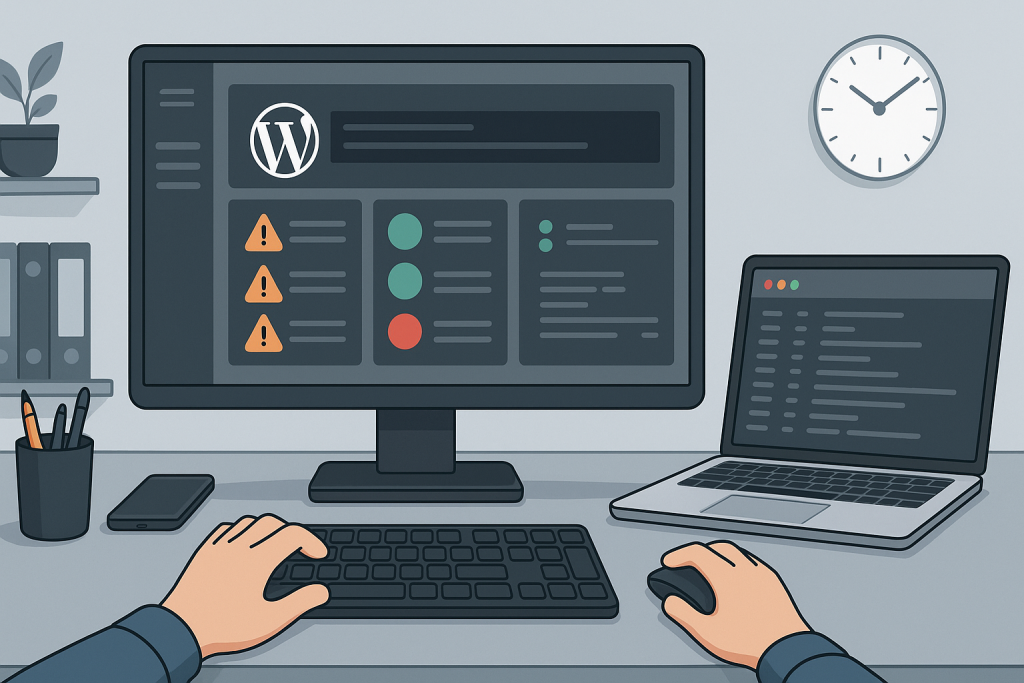
Daily checks for business-critical sites
Stores, membership sites, booking platforms, and lead-generation websites may need daily uptime monitoring, backup status checks, failed-order alerts, payment alerts, security notifications, and critical-error monitoring. These checks can be automated, but someone still needs to review meaningful failures.
Weekly maintenance tasks
Review available updates, backup results, form submissions, checkout, scheduled actions, error logs, spam, security notices, and obvious frontend problems. Test at least one important conversion path. For WooCommerce, review failed payments, webhook errors, and overdue scheduled actions.
Monthly technical review
Check database growth, admin users, plugin inventory, PHP compatibility, site health warnings, CDN behavior, object cache, broken links, search performance, and recurring log messages. Review whether the backup retention period is still appropriate and whether recent backups are actually restorable.
Quarterly maintenance and planning
Audit access, remove unused plugins and accounts, rotate sensitive credentials when appropriate, test disaster recovery, review hosting capacity, and plan major WordPress, WooCommerce, PHP, or theme upgrades. Quarterly reviews are also a good time to evaluate technical debt and repeated support issues.
Update frequency is not the same as maintenance quality
Installing every update immediately is not always safer. Security updates may need rapid action, while major feature updates may need staging and compatibility checks. A good process includes backup readiness, change notes, testing, and a rollback plan.
Backups should match the rate of change
A brochure site may be comfortable with daily backups, while a busy store may need much more frequent database backups. Files and database data may require different schedules. Backups should be stored away from the live server and tested periodically.
Maintenance should include real workflow testing
A green dashboard does not prove the site works. Test forms, login, checkout, payments, emails, search, account pages, and custom integrations. After updates, verify the workflows that create revenue or support customers.
Create a schedule around risk
The more revenue, customer data, and operations depend on the site, the more frequent and structured maintenance should be. A written schedule reduces forgotten tasks and makes support more predictable.
A simple maintenance record
Keep a short record of updates, backups, tests, incidents, and recurring warnings. Note which plugins changed, whether the backup completed, which workflows were tested, and what needs follow-up. This history makes future troubleshooting faster and helps identify patterns such as repeated checkout failures after updates or steadily increasing database size. Maintenance becomes more effective when it is documented instead of treated as a collection of isolated tasks.
Related technical support
If this issue affects a live website, store, application, or business-critical workflow, the following service pages provide the most relevant support path.
Conclusion
how often should a wordpress website be maintained should be resolved by identifying the actual failure path, applying the smallest safe fix, and verifying the workflows that matter to users and the business.
Frequently asked questions
Should WordPress be updated every week?
Updates should be reviewed regularly, but important sites may need staging and backup before installation.
How often should backups run?
It depends on how often content, users, or orders change. Stores usually need more frequent backups.
Is monthly maintenance enough?
It may be for a simple site, but busy stores and critical workflows usually need more frequent checks.
What should be tested after updates?
Test forms, login, admin, checkout, payments, emails, search, and custom workflows.