
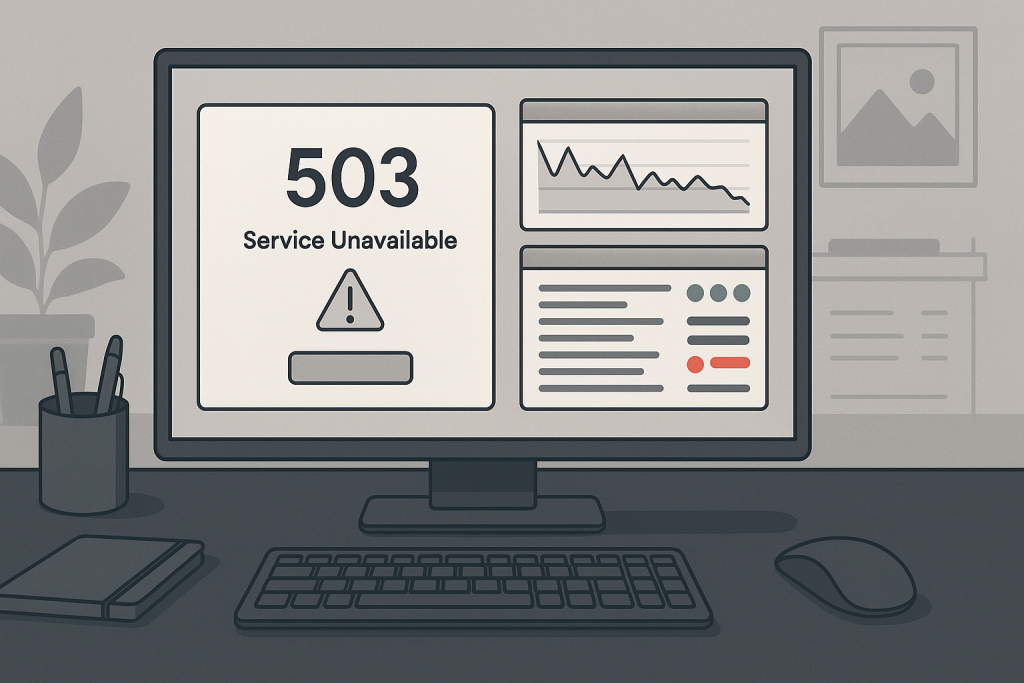
503 service unavailable error A 503 service unavailable error means the server is temporarily unable to handle the request. Unlike a 404, it usually does not mean the page is missing. The failure may come from server overload, maintenance mode, unavailable PHP workers, a failed backend service, or application code that cannot complete the request. On a live store or business site, a persistent 503 should be treated as an availability incident.
What the HTTP status tells you
HTTP 503 is intended for temporary unavailability. Some servers also send a Retry-After header, but many applications do not. The response may be generated by a CDN, load balancer, Nginx, Apache, PHP-FPM, application framework, hosting platform, or maintenance plugin. Identifying which layer produced the response is the first step.
Common causes of 503 responses
Typical causes include exhausted PHP-FPM workers, too many concurrent application requests, database connection limits, failed upstream services, maintenance mode, deployment health checks, container restarts, rate limiting, bot traffic, memory pressure, and hosting resource limits. A slow external API can also tie up workers until the server stops accepting new requests.
Check whether the failure is complete or partial
Test the homepage, static images, wp-admin or application admin, checkout, API endpoints, and a simple health URL. If static files load but dynamic pages fail, the problem is likely in PHP, the application, or the database. If the CDN shows the error while the origin works directly, review proxy and edge configuration.
Review logs across the stack
Check Nginx or Apache error logs, PHP-FPM logs, application logs, database logs, container events, and system journals. Search for upstream timed out, connection refused, max children reached, out-of-memory kills, database connection failures, and failed service restarts. Match the timestamps with monitoring alerts and traffic spikes.
Inspect maintenance and deployment state
A failed deployment can leave the site in maintenance mode, point the web server to an incomplete release, or warm caches with the wrong permissions. Check for maintenance flags, unhealthy containers, missing dependencies, failed migrations, stale symlinks, and partially generated cache files.
Measure capacity instead of guessing
Review CPU, memory, swap, PHP worker usage, database connections, request duration, and queue depth. A server may have free CPU while all PHP workers are blocked on slow database queries or remote APIs. Worker exhaustion often appears as an availability problem even when the machine itself is still running.
Stabilize first, then prevent recurrence
Restore service by restarting failed components, removing maintenance mode, reducing abusive traffic, or rolling back a broken release. After stabilization, fix the root cause through query optimization, worker tuning, caching, code changes, capacity planning, health checks, and monitoring.
When a 503 requires emergency support
Direct help is appropriate when checkout, login, forms, or the entire site is unavailable; when the error repeatedly returns; or when restarting services only provides temporary relief. Repeated 503 incidents usually indicate an unresolved bottleneck.
Related technical support
If this issue affects a live website, store, application, or business-critical workflow, the following service pages provide the most relevant support path.
Conclusion
503 service unavailable error should be resolved by identifying the actual failure path, applying the smallest safe fix, and verifying the workflows that matter to users and the business.
Frequently asked questions
Is a 503 error always temporary?
It is intended to be temporary, but it can continue until the underlying problem is fixed.
Can too many visitors cause a 503?
Yes. Traffic or bots can exhaust workers, memory, database connections, or other resources.
Can a plugin cause a 503 error?
Yes. A plugin can create slow requests, loops, remote calls, or memory pressure.
When is a 503 an emergency?
It is an emergency when live users, checkout, login, or business operations are blocked.