
Website error monitoring alerts help you find serious failures before they turn into a long stream of customer emails, lost orders, or missed leads. A homepage can still load while a payment step fails, a contact form silently stops sending, or logged-in users receive an error. For that reason, effective monitoring needs to check more than whether a server responds.
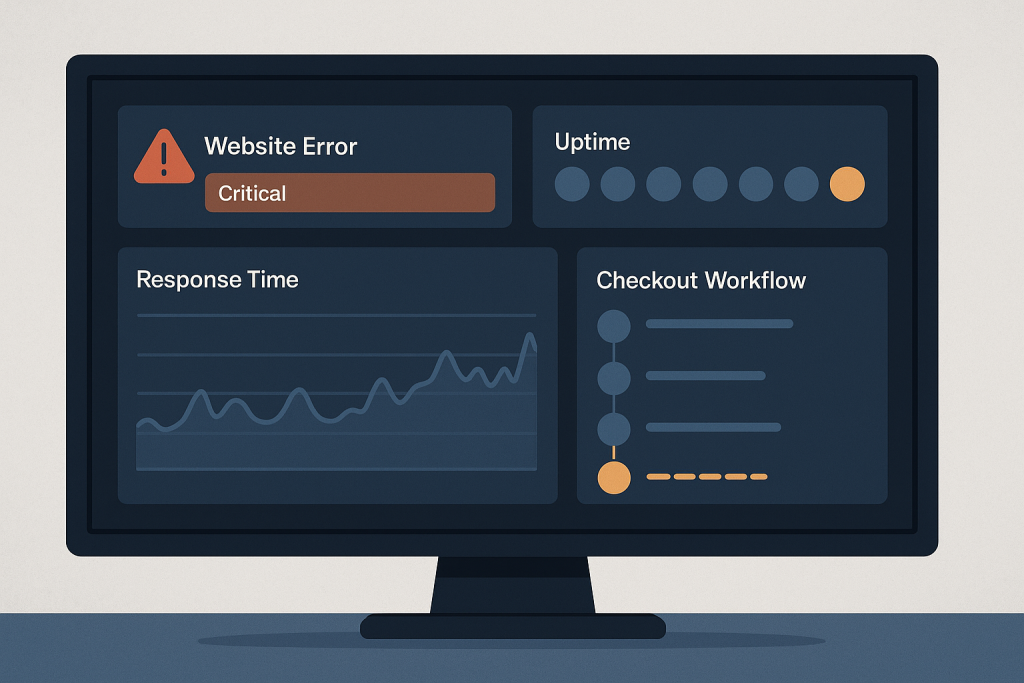
The aim is not to receive an alert for every minor warning. It is to receive a clear, useful signal when a failure affects visitors, revenue, operations, or access to an important part of the site. When an alert reveals a live business-critical issue, the next step may be Emergency Website Bug Fixing to trace and restore the affected service safely.
What are website error monitoring alerts?
Website error monitoring alerts are automated notifications triggered when a defined condition suggests that a website or key user journey is failing. Depending on the tools and hosting setup, notifications may be sent by email, chat, SMS, or an incident-management system.
A useful alert answers three questions quickly:
- What is failing? For example, the checkout page returns an error, a form endpoint is unavailable, or the website is responding with server errors.
- Who is affected? Is the failure site-wide, limited to logged-in users, or occurring only on one important path?
- How urgent is it? A short-lived warning on a low-traffic page should not be treated in the same way as an unavailable checkout during business hours.
Monitoring is not a replacement for maintenance, testing, backups, or technical investigation. It is an early-warning layer that gives you a chance to respond while the scope is still clear.
Why basic uptime checks are not enough
A simple uptime monitor usually requests one URL and confirms that it receives a response. This is valuable, but it can miss failures that matter most to customers. A page may return a successful status code while displaying an error message, an empty product list, an unusable account area, or a checkout button that does nothing.
Consider the difference between these checks:
- Availability: Can the site be reached at all?
- Response quality: Is the server returning a 500 error, an unusually slow response, or an unexpected redirect?
- Functional behavior: Can a visitor complete a key action, such as submitting a lead form or starting checkout?
- Application errors: Are new fatal errors or repeated exceptions appearing in logs?
A mature approach combines several signals. That makes it less likely that a customer will be the first person to identify a critical problem.
What should you monitor first?
Start with the parts of the site where failure has an immediate business cost. Avoid trying to monitor every possible page on day one. A small set of well-designed checks is far more useful than dozens of noisy alerts.
1. Homepage and core landing pages
Monitor the public homepage and any landing pages that receive paid campaign traffic. Alert when these pages are unavailable, return persistent server errors, or are unexpectedly redirected. Include a check for expected page content where your monitoring tool supports it, since a technically successful response can still be a broken page.
2. Checkout and payment entry points
For an online store, checkout is usually a top-priority monitored journey. At minimum, monitor whether the cart and checkout pages load reliably. Where appropriate and safe, use a synthetic test that follows a non-production transaction path without creating real orders or charges.
Do not build an automated test that repeatedly processes live payments merely to prove the gateway works. Coordinate any deeper payment test with your payment provider, store configuration, and technical team.
3. Lead forms and booking flows
If contact forms, quote requests, demos, or bookings drive the business, test the complete journey rather than only the page containing the form. A form can appear normal while its submission endpoint, email delivery, spam protection, or third-party integration has failed.
4. Login and account access
Membership sites, client portals, and stores with customer accounts should monitor login availability. A failure in this area may not affect anonymous visitors, but it can still block existing customers and support teams from completing essential work.
5. Server and application errors
Watch for a sustained increase in 5xx responses, PHP fatal errors, uncaught application exceptions, database connection failures, and repeated job or integration failures. One isolated error may not justify an urgent wake-up notification. A sudden burst, however, can indicate a deployment issue, exhausted resource, broken dependency, or incompatible change.
Set alert severity before you need it
Every alert does not deserve the same response. Clear severity levels prevent teams from treating ordinary maintenance signals as emergencies.
Critical: immediate customer or revenue impact
Use a critical alert when the site is unavailable, a checkout cannot be completed, payments are failing at scale, a high-value form is broken, or administrative access is blocked during an active operational need. Notifications should reach someone who can make a decision promptly.
High: a major feature is degraded
A high alert might cover a recurring server error on an important page, unusual response times that threaten conversion, or a failed integration that has a practical workaround. It needs timely attention, although the entire business may not be blocked.
Medium and low: investigate without interrupting everything
Use lower severities for early warning signs, isolated errors, capacity trends, and non-critical page failures. These alerts still matter because they can expose an issue before it becomes visible across the site. They should go into a review queue or normal support process rather than waking up everyone overnight.
Reduce alert noise so important signals are not ignored
Alert fatigue happens when people receive too many messages that do not require action. Eventually, even a genuine outage can be overlooked. Reduce noise deliberately.
- Require confirmation: Alert after two or more failed checks from separate locations when possible, rather than one failed request.
- Use time thresholds: A brief network fluctuation is different from a failure lasting several minutes.
- Group duplicate errors: Hundreds of identical exceptions should create one incident with a count, not hundreds of separate notifications.
- Exclude expected maintenance: Schedule maintenance windows so planned work does not create misleading alerts.
- Review old rules: Retire checks for pages, plugins, integrations, or workflows that no longer exist.
The right threshold depends on traffic, risk, and the function being monitored. A busy store may need a faster checkout alert than a small brochure site needs for a secondary resource page.
Make every alert actionable
An alert should provide enough context for a person to decide what to do next. “Website failed” is rarely enough. Include the monitored URL or workflow, time of first failure, status code or error summary, affected region if known, and a link to relevant logs or dashboards.
For a functional check, record the expected result. For example: “The contact form confirmation message was not detected” is more helpful than “Page check failed.” For server errors, retain a request ID or timestamp that can be matched to application and hosting logs.
Keep credentials, payment details, customer data, and full session data out of alert messages. Notifications often pass through third-party services and may be visible to more people than the production system itself.
Test alerts and response paths regularly
An untested alert is only an assumption. Test the full chain periodically: can the monitor detect a controlled failure, does the notification reach the right person, and can that person access the information needed to assess the incident?
Testing does not require taking down a live website. You can use a staging environment, a safe test endpoint, or a controlled monitor configuration. Confirm that maintenance suppressions expire, escalation contacts remain current, and former staff or vendors no longer receive sensitive notifications.
After a real incident, review the timeline. Ask whether the alert arrived early enough, whether it correctly reflected severity, and whether it included useful evidence. Improve the rule based on what actually happened instead of adding more notifications without a purpose.
When monitoring reveals a critical issue
First, confirm the scope. Check the affected page or workflow from an independent browser or monitoring location, note the time, and identify whether the problem affects all visitors or a particular segment. Preserve useful evidence such as error messages, request IDs, and recent change details.
Avoid repeatedly changing plugins, themes, server settings, caches, or code on a live site in the hope that something will work. Uncontrolled changes can obscure the original cause and expand the outage. If checkout, payments, access, or a core public journey is broken, treat the alert as an operational incident and use a focused technical response.
Frequently asked questions
How often should a website monitor run?
Critical availability and checkout-related checks commonly run more frequently than lower-priority checks. Choose an interval that balances the cost of delayed detection against monitoring load and false alerts. The important point is that critical failures are detected soon enough to be useful.
Can website error monitoring alerts detect every problem?
No. Monitoring only detects conditions you have chosen to measure. Combine uptime, error-rate, performance, and key-workflow checks, then review customer reports and logs for gaps that monitoring did not cover.
Should a small website use monitoring?
Yes, if the website supports leads, sales, bookings, customer access, or a public reputation that matters to the business. A small site may need fewer checks, but it still benefits from learning about a real outage quickly.
What is the most important alert to set up first?
Start with the single workflow that would cause the most immediate harm if it failed: site availability for many businesses, checkout for an online store, or lead submission for a service business.