
A Laravel 419 Page Expired error usually appears when a request that should be protected by a session and CSRF token can no longer be verified. It is common on login forms, checkout-style forms, account pages, dashboards, and AJAX actions. The application may otherwise appear healthy, which makes the failure especially confusing.
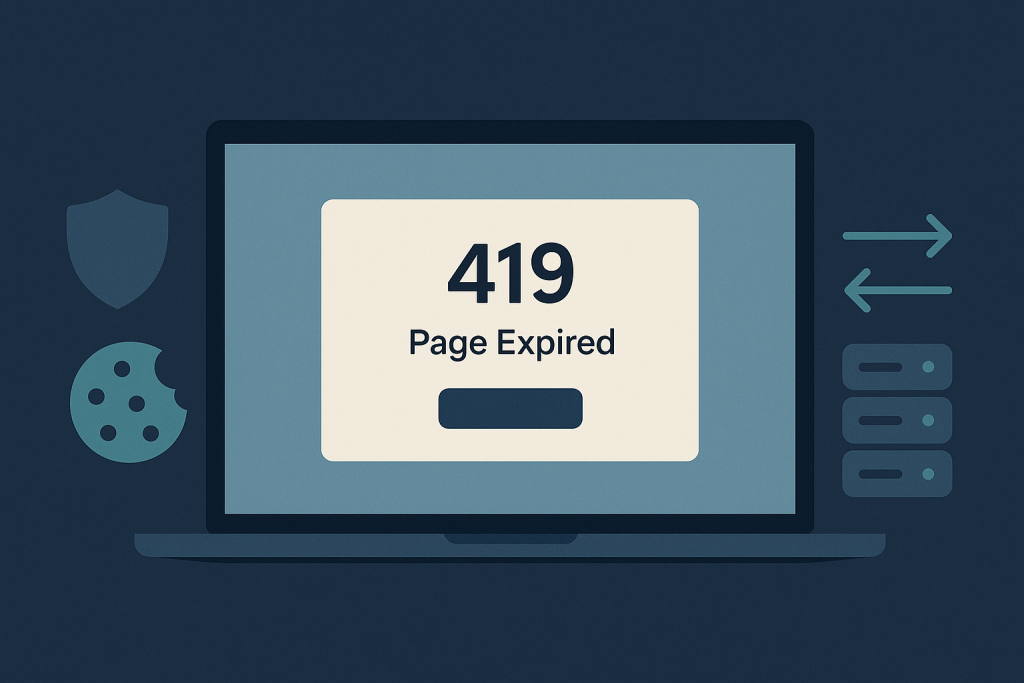
In most cases, a 419 is not evidence that the route is missing or that the server has crashed. It means Laravel expected a valid token tied to the visitor’s session, but the token was absent, stale, or did not match the session received with the request. The right fix is to trace why that relationship failed rather than disabling protection. If the issue is affecting live users and needs careful investigation, use Laravel bug fixing help.
What a Laravel 419 Page Expired error means
Laravel protects state-changing web requests against cross-site request forgery (CSRF). A form rendered by Blade normally includes a hidden token through @csrf. Laravel compares that submitted token with the token stored for the user’s session. When they do not match, Laravel rejects the request with a 419 response.
The same principle applies to JavaScript requests. An application may send the token in an X-CSRF-TOKEN or X-XSRF-TOKEN header, depending on its setup. If the browser does not send the expected cookie or header, an authenticated-looking request can still fail.
The message “Page Expired” can therefore be misleading. A genuinely old page is one possible cause, but so are broken cookies, an inconsistent session store, incorrect HTTPS settings, and deployment changes that invalidate sessions.
Start by identifying the failing request
Before changing configuration, establish exactly where the 419 happens:
- Does it happen when a standard HTML form is submitted?
- Does it affect login, logout, password reset, profile updates, or only one custom form?
- Is the failing request made by JavaScript?
- Does it occur for every visitor or only after a period of inactivity?
- Does it occur only in production, only behind a load balancer, or only on one domain?
Use the browser’s network panel to inspect the failed request. Confirm the response is actually 419, note the request method and URL, and compare its cookies and headers with a successful request if one exists. This separates a CSRF/session problem from a validation error, authorization response, or a generic server error.
Check that protected forms include a CSRF token
For Blade forms that submit with POST, PUT, PATCH, or DELETE, include @csrf inside the form. For methods other than POST, include the appropriate method directive too.
<form method=”POST” action=”/profile”>
@csrf
@method(‘PATCH’)
<!– form fields –>
</form>
A common mistake is to add a new form in a custom Blade file, modal, package view, or CMS-managed template and omit the token. Another is to submit a form assembled dynamically by JavaScript without preserving the token field.
Do not solve this by excluding ordinary browser-facing routes from CSRF verification. Those exclusions should be rare and deliberate, such as a webhook endpoint that uses its own verified signature. Removing CSRF protection from account, payment, admin, or user-data actions creates a security risk rather than repairing the underlying session problem.
Check JavaScript, AJAX, and SPA requests
A request sent by JavaScript does not automatically carry the same data as a normal form submission. Check how your application obtains and sends its CSRF token. In a traditional Laravel frontend, this may be read from a meta tag. In an SPA setup, the client may need to request the CSRF cookie before making authenticated state-changing requests.
Pay attention to recent frontend changes: a switch from one HTTP library to another, a changed API base URL, a new subdomain, or a custom fetch wrapper can stop credentials or token headers from being sent. The browser network panel will show whether the expected cookie is present and whether the request includes the required header.
Also verify that the request is going to the intended host. A frontend at www.example.com calling an API at api.example.com has different cookie and cross-origin requirements from a same-origin Laravel application. A token can be present in the page while the related session cookie is unavailable to the endpoint receiving the request.
Review session configuration and storage
A 419 often indicates that the browser sent a token for one session while Laravel loaded another session—or no session at all. Review the session driver and its backing service. File sessions may be adequate for a single server but can fail in a multi-server environment when requests are handled by different machines with separate local storage. Database, Redis, or another shared session store may be more appropriate where traffic is distributed across instances.
Check for operational issues as well:
- The session storage location is writable and has sufficient disk space.
- Redis or the database is reachable and not evicting or losing session data unexpectedly.
- All application instances use compatible environment settings.
- Queued deployments have not left old and new application versions using conflicting configuration.
- The session lifetime matches the expected user journey, especially for long forms.
Do not assume that increasing the session lifetime is the answer. It may improve a legitimate timeout case, but it will not correct a missing cookie, a non-shared session store, or a domain mismatch.
Cookie configuration is one of the most frequent reasons a Laravel 419 Page Expired error appears only in production. A session cookie must be sent back to the correct application host over the correct protocol. Review the effective values for the application URL, session domain, secure-cookie behavior, and SameSite policy.
Typical warning signs include:
- The application works at one hostname but fails after redirecting between www and non-www.
- It works over HTTP in a test environment but fails after HTTPS is introduced.
- It fails only in an embedded context or cross-site flow.
- Users see the problem after a domain migration or CDN/proxy change.
Use browser developer tools to confirm whether the session cookie is being set, retained, and returned on the failed request. Avoid making broad cookie changes without understanding which hostnames must share the session. Overly broad domain settings can introduce different security and application-behaviour problems.
Check trusted proxies and the real request scheme
When TLS terminates at a reverse proxy, load balancer, or CDN, Laravel may receive the upstream request as HTTP even though the visitor used HTTPS. If proxy headers are not trusted or configured correctly, Laravel can generate incorrect URLs or make incorrect assumptions about secure cookies.
This class of problem often appears after infrastructure changes rather than code changes. Compare the external URL seen by the browser with the scheme and headers Laravel receives. Review proxy configuration carefully, including forwarded protocol and host headers. The goal is not to trust arbitrary client-supplied headers; it is to trust only the headers supplied by known infrastructure.
Consider deployments and cached configuration
A deployment can trigger 419 errors if it changes the application key, session configuration, cookie domain, or cache state. Changing APP_KEY, for example, can invalidate encrypted cookies and existing sessions. That may be expected during an emergency recovery, but it should not be an accidental deployment side effect.
Laravel configuration caching adds another important detail: editing environment values does not necessarily mean the running application is using them. Follow your deployment process to rebuild relevant caches safely, and verify the effective configuration after the release. Do not indiscriminately clear caches on a busy production application without considering the operational effect.
Test the fix with a clean, repeatable flow
After a change, test from a private browser window or a fresh browser profile so stale cookies do not hide the result. Walk through the exact failing path: load the form, wait if timeout was reported, submit it, and confirm the expected record or action is completed once.
For JavaScript flows, verify both the browser response and server-side outcome. Then test the affected hostnames, HTTPS redirects, and authenticated flows. If the application has multiple servers, repeat enough requests to confirm that session handling is consistent across instances.
When to get help with a 419 error
Escalate the issue when users cannot sign in, submit orders, update important data, or complete a business-critical workflow. It also deserves focused investigation when it is intermittent, occurs only under load, or started after a hosting, proxy, domain, or deployment change. Those symptoms can point to infrastructure and session-persistence issues that are easy to mask with an unsafe workaround.
Need a Laravel bug fixed? Provide the failing URL, the time the failure occurred, whether it affects all users, recent deployment or infrastructure changes, and any relevant browser request details. That gives a developer a practical starting point without exposing passwords, private keys, or full session cookies.
Frequently asked questions
Is Laravel 419 the same as a 500 error?
No. A 419 generally means Laravel rejected a request because CSRF or session validation failed. A 500 indicates an unhandled server-side failure. Both can happen after a deployment, but their diagnostic paths are different.
Can I disable CSRF protection to stop the error?
Not for normal browser forms and authenticated actions. Find the missing token, session, cookie, or proxy problem instead. Only endpoints designed for non-browser integrations should be considered for a narrowly scoped exemption, and they need another strong verification mechanism.
Do you work with Lumen or Laravel-based CMSs?
Yes, provided the application and failing flow can be reviewed safely. The diagnostic principles still apply, but middleware, session handling, and frontend architecture can differ by project.
What access is usually needed to diagnose a Laravel 419 error?
Useful access may include a safe reproduction path, application and web-server logs, deployment details, non-sensitive environment configuration, and limited access to staging or production as appropriate. Never send credentials or secret values in an initial issue description.